


















How to solve Ultrawide issue in REANIMAL
REANIMAL's length of the main campaign might have earned some negative criticism, but the lack of official Ultrawide support is certainly a disappointment. REANIMAL, so far, has been one of the better-made Unreal Engine 5 games that I have tested out. Unlike High on Life 2, the general performance is pretty good. That's until you try to run the game on an Ultrawide monitor. Thankfully, a mod has already appeared that allows you to bypass those limitations.How to fix REANIMAL's Ultrawide issues Since there's no official ultradwide support (yet) from Tarsier, the only option is to use a mod. You can download the mod files using this Codeberg link. You need to download the latest patch file. Click on the SUWSF Zip folder available under Installation. This completes the first part of the task. Now, extract all the files that are within the SUWSF zip folder and store them in a separate folder. Copy all the files and paste them where the REANIMAL game is installed. The exact destination will be based on where you've installed it. For me, it's the common sub-folder within the Steam folder (where all my games on Steam download by default). Made by Lyall, the mod adds third-party support for all ultrawide monitors. The additional support significantly improves the performance. There's also a chance for the mod to get updates in the future. While the hardware consumption actually goes up due to this mod, the general graphical performance felt smoother on my system. How do you remove the mod? If you no longer want the mod for some reason, you simply have to delete the files. You can also open the SUWSF.ini file and set the Enabled command to false, but that's a far more complex method. The easier alternative is to delete the files and restart the game. If you want to use it again, just add the files to the game's installation folder, and you should have Ultrawide support for REANIMAL on your PC. The post How to solve Ultrawide issue in REANIMAL appeared first on Destructoid.
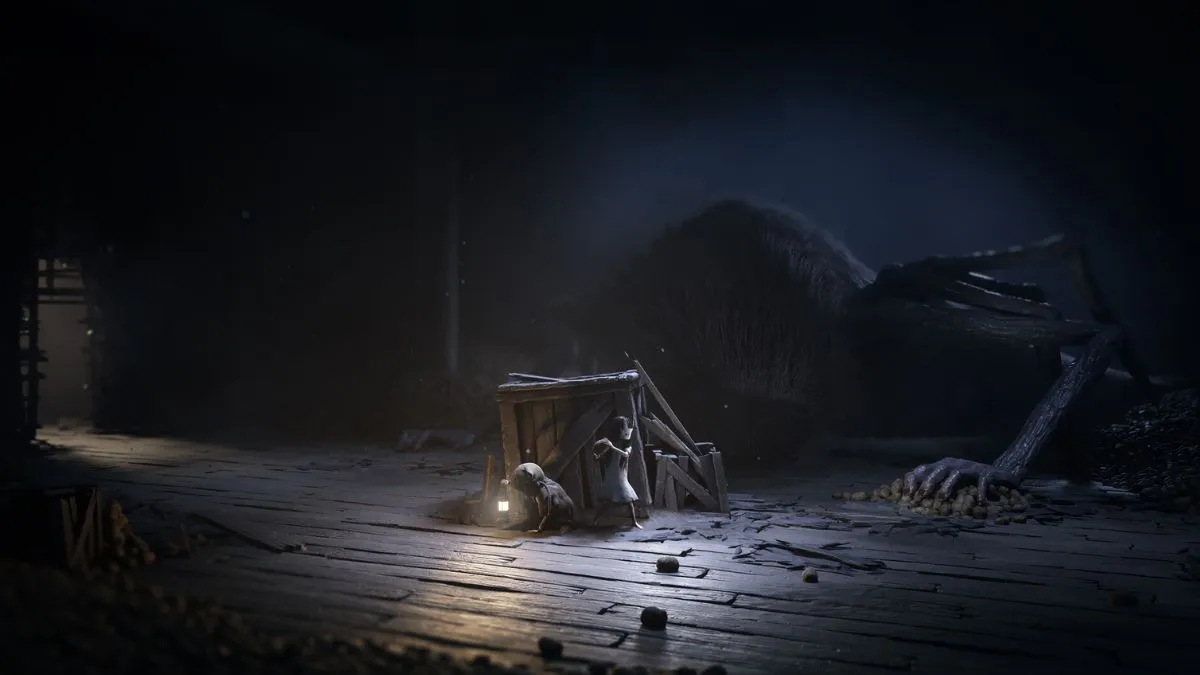
REANIMAL's length of the main campaign might have earned some negative criticism, but the lack of official Ultrawide support is certainly a disappointment.
REANIMAL, so far, has been one of the better-made Unreal Engine 5 games that I have tested out. Unlike High on Life 2, the general performance is pretty good. That's until you try to run the game on an Ultrawide monitor. Thankfully, a mod has already appeared that allows you to bypass those limitations.
How to fix REANIMAL's Ultrawide issues
Since there's no official ultradwide support (yet) from Tarsier, the only option is to use a mod. You can download the mod files using this Codeberg link. You need to download the latest patch file. Click on the SUWSF Zip folder available under Installation.This completes the first part of the task. Now, extract all the files that are within the SUWSF zip folder and store them in a separate folder. Copy all the files and paste them where the REANIMAL game is installed. The exact destination will be based on where you've installed it. For me, it's the common sub-folder within the Steam folder (where all my games on Steam download by default).
Made by Lyall, the mod adds third-party support for all ultrawide monitors. The additional support significantly improves the performance. There's also a chance for the mod to get updates in the future. While the hardware consumption actually goes up due to this mod, the general graphical performance felt smoother on my system.
How do you remove the mod? If you no longer want the mod for some reason, you simply have to delete the files. You can also open the SUWSF.ini file and set the Enabled command to false, but that's a far more complex method. The easier alternative is to delete the files and restart the game. If you want to use it again, just add the files to the game's installation folder, and you should have Ultrawide support for REANIMAL on your PC.
The post How to solve Ultrawide issue in REANIMAL appeared first on Destructoid.

Jat AI
Stay informed with the latest in artificial intelligence. Jat AI News Portal is your go-to source for AI trends, breakthroughs, and industry analysis. Connect with the community of technologists and business professionals shaping the future.
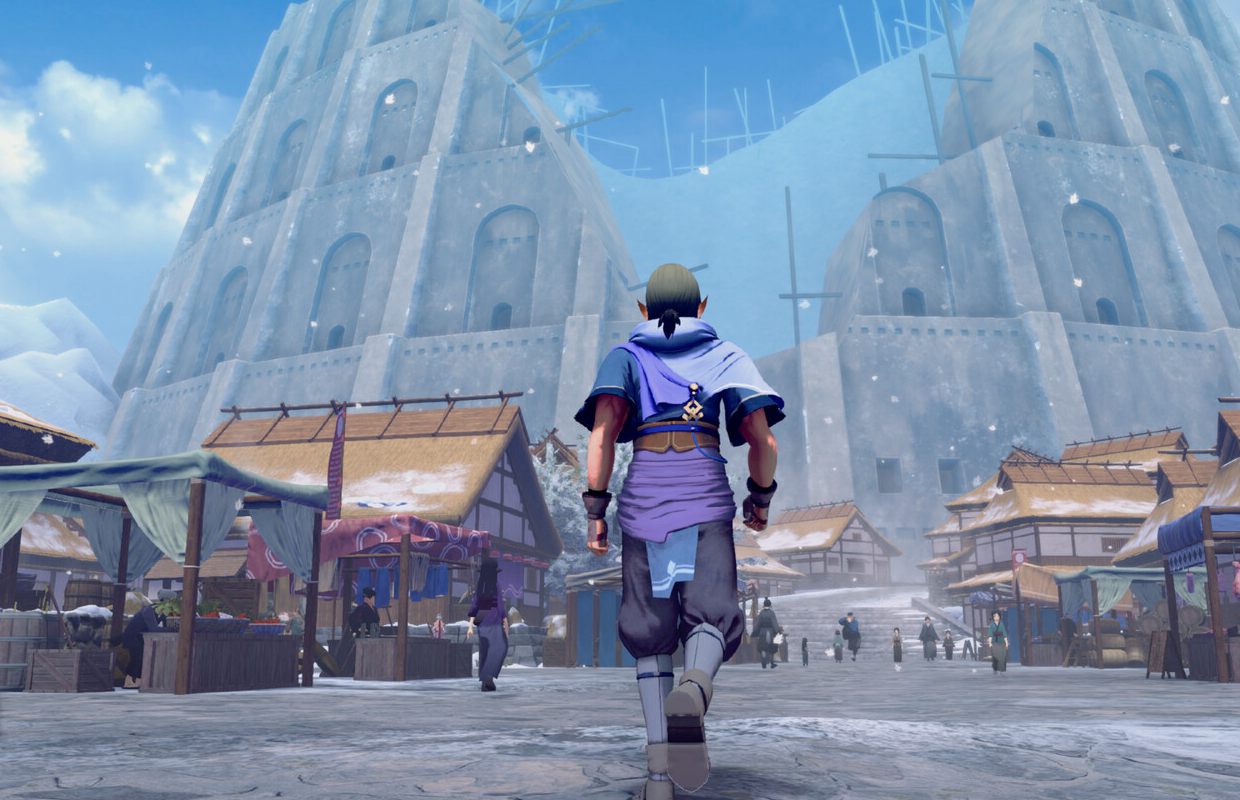


![KAIZEN Locations & Map Guide – Boss, Chest, Weapon, Style [KASHIMO]](https://www.destructoid.com/wp-content/uploads/2026/02/kaizen-locations-and-map-guide.jpg)




