















It’s fixed! №119
Today, we’ve rounded up and will be covering some of the fixes and improvements that we’ve made to the game today and over the past weeks. If you’d like to catch up on every fixed bug, then be sure to check out the changelog section on our website. If you’ve found a bug that you’d like to report, you can do so on our community bug reporting platform. Shadow fixesSeveral issues related to shadows have been fixed, affecting both ray-traced shadows and those rendered using shadow maps. When ray tracing was enabled, shadows on flying aircraft might have flickered, which was most visible in the cockpit. This occurred because if the plane was flying too fast, it outpaced the ray tracing optimization grid, and as it was not able to keep up with the plane, it was optimized out from the ray tracing rendering space. The bug has now been fixed, and the shadows on your plane should no longer flicker. Two issues with regular shadows have been fixed. The first concerned distant shadows, most noticeable on aircraft, where the algorithm calculating shadows for trees at a distance failed to account for the fact that they might be situated on slopes. This caused the shadows to appear either excessively long or, conversely, too short. The algorithm now factors this in, preventing significant shifts in shadow appearance as you approach trees on slopes (which occurs when the rendering algorithm switches to a higher-detail one). The second issue, which occurred only when the shadow quality was set to “Very High”, was related to tank sights. When switching to the sight view, the shadow draw distance increases; due to an error during this transition between the distances at which different levels of shadow detail render, shadows calculated while in third-person view were incorrectly processed for use in the sight view. This could result in shadows failing to appear entirely until the next full shadow refresh, which would happen a few frames later. This bug has now been resolved, so shadows should no longer flicker when switching to the sight view. Recycling items bug fix We found two bugs that could make it difficult for players to recycle items and have fixed them. One was visual: the list of items when changing pages could be displayed so that interface details like the recycling button were superimposed on top of it. The second issue caused a smaller number of items to be recycled than the quantity specified by the player. While the correct amount of resources was consumed (meaning less was used than the player had initially indicated), the bug slowed down the process. Collapsing vehicle ranksWe’ve received several reports from players who encountered issues in the research window: after collapsing a vehicle rank, they found that research for those vehicles appeared locked, and they weren’t sure how to restore the standard interface. We’ve updated this feature to make it immediately clear what has happened and how to resolve it. Now, when you hover your cursor over a collapsed vehicle rank, a tooltip will appear, indicating that you can expand it with a click. You don’t even need to look for a specific “expand” button, as you can simply click anywhere within that rank section. We’ve also updated the icons for the collapse/expand controls and added labels, so there’s no chance of getting confused! Vehicle preset improvementsPlayers who have been playing War Thunder for a long time have accumulated quite a few vehicle presets for each nation, and we wanted to make managing these lineups as convenient as possible. That’s why we’ve recently reworked the preset managing interface and today have made a few improvements to it. Now, when you copy a preset, you don’t have to scroll to the end of the list to find it; the copy appears right after the original, making it easy to keep them grouped together. Furthermore, the display filters for presets now also apply to the list within the vehicle lineup menu. For example, if you’ve chosen to hide the Battle Rating for your lineups, it will now be hidden in that menu as well. That’s not allCheck out the full list of fixes and improvements in the update notes below! Here’s some more: the icons for creating and copying vehicle presets no longer disappear when the limit is reached, and a neutral-gear turn is no longer slowed down in tanks in the Leopard and Type 90 families.Previous Updates:Update 2.59.0.75Update 2.59.0.72Update 2.59.0.68Update 2.59.0.65Today's Update 2.59.0.78AircraftJAS39A, JAS39C (UK), JAS39EBS HU C (Italy), JAS39C (Japan) — separate countermeasure launch from fuselage-mounted dispensers has been added. (Report).F-111A — the countermeasures caliber has been changed from standard to larger caliber. (Report).F-14D — an issue where a text key was displayed on the aircraft’s HUD when the AIM-54A was selected has been fixed. (Report).J-16 — night vision has been added to the cockpit and third-person views. (Report).A fix to the IRST HMS guidance has been reverted because it was a
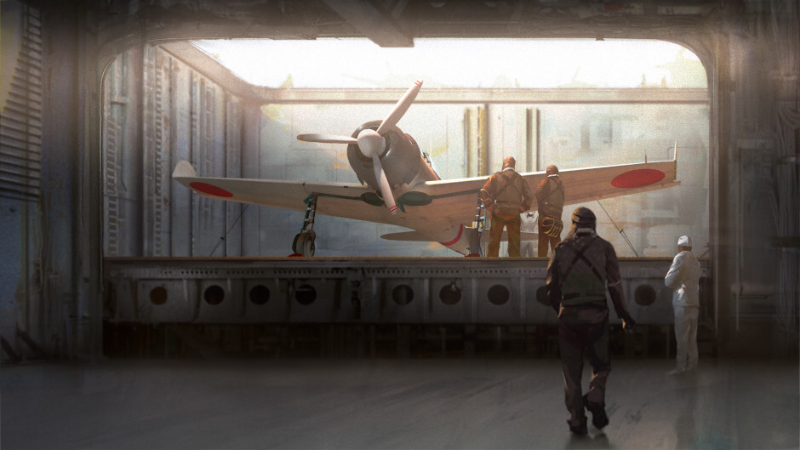
Today, we’ve rounded up and will be covering some of the fixes and improvements that we’ve made to the game today and over the past weeks. If you’d like to catch up on every fixed bug, then be sure to check out the changelog section on our website.
If you’ve found a bug that you’d like to report, you can do so on our community bug reporting platform.
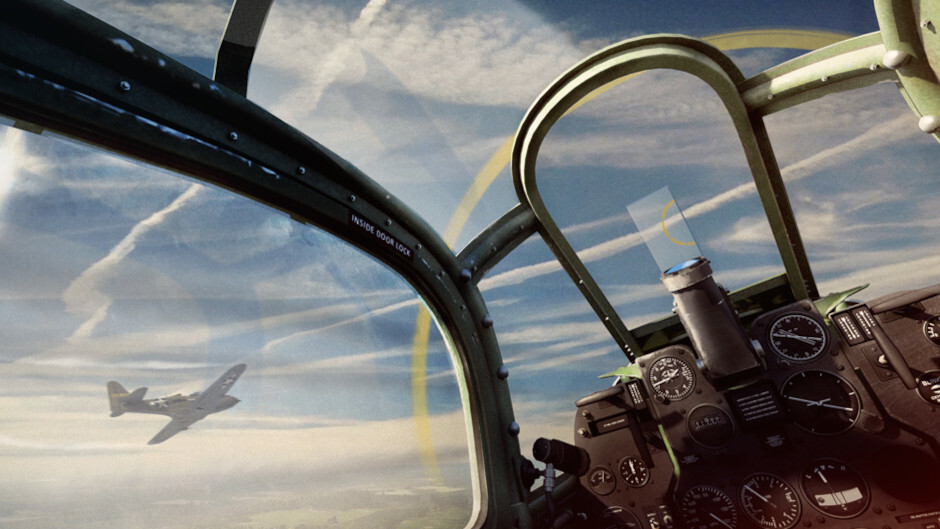
Several issues related to shadows have been fixed, affecting both ray-traced shadows and those rendered using shadow maps.
When ray tracing was enabled, shadows on flying aircraft might have flickered, which was most visible in the cockpit. This occurred because if the plane was flying too fast, it outpaced the ray tracing optimization grid, and as it was not able to keep up with the plane, it was optimized out from the ray tracing rendering space. The bug has now been fixed, and the shadows on your plane should no longer flicker.
Two issues with regular shadows have been fixed. The first concerned distant shadows, most noticeable on aircraft, where the algorithm calculating shadows for trees at a distance failed to account for the fact that they might be situated on slopes. This caused the shadows to appear either excessively long or, conversely, too short. The algorithm now factors this in, preventing significant shifts in shadow appearance as you approach trees on slopes (which occurs when the rendering algorithm switches to a higher-detail one).
The second issue, which occurred only when the shadow quality was set to “Very High”, was related to tank sights. When switching to the sight view, the shadow draw distance increases; due to an error during this transition between the distances at which different levels of shadow detail render, shadows calculated while in third-person view were incorrectly processed for use in the sight view. This could result in shadows failing to appear entirely until the next full shadow refresh, which would happen a few frames later. This bug has now been resolved, so shadows should no longer flicker when switching to the sight view.
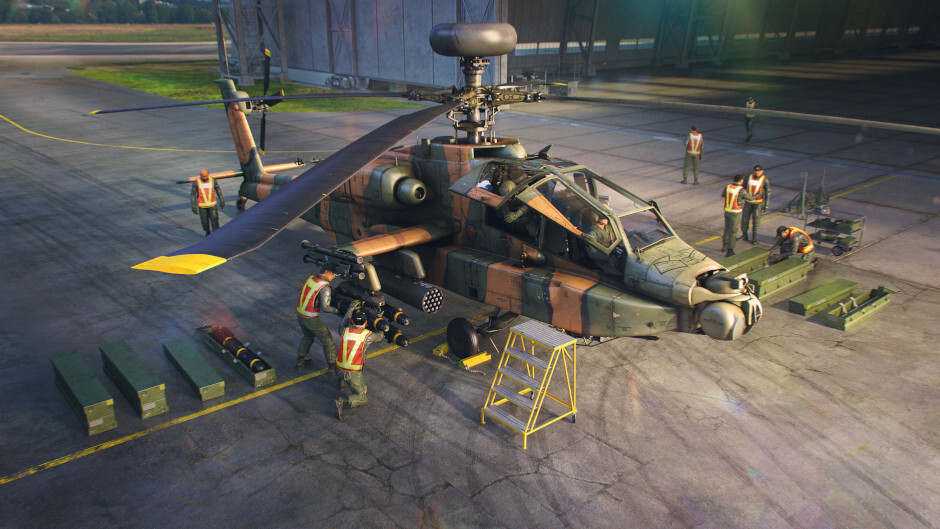
We found two bugs that could make it difficult for players to recycle items and have fixed them. One was visual: the list of items when changing pages could be displayed so that interface details like the recycling button were superimposed on top of it. The second issue caused a smaller number of items to be recycled than the quantity specified by the player. While the correct amount of resources was consumed (meaning less was used than the player had initially indicated), the bug slowed down the process.
We’ve received several reports from players who encountered issues in the research window: after collapsing a vehicle rank, they found that research for those vehicles appeared locked, and they weren’t sure how to restore the standard interface. We’ve updated this feature to make it immediately clear what has happened and how to resolve it. Now, when you hover your cursor over a collapsed vehicle rank, a tooltip will appear, indicating that you can expand it with a click. You don’t even need to look for a specific “expand” button, as you can simply click anywhere within that rank section. We’ve also updated the icons for the collapse/expand controls and added labels, so there’s no chance of getting confused!
Players who have been playing War Thunder for a long time have accumulated quite a few vehicle presets for each nation, and we wanted to make managing these lineups as convenient as possible. That’s why we’ve recently reworked the preset managing interface and today have made a few improvements to it. Now, when you copy a preset, you don’t have to scroll to the end of the list to find it; the copy appears right after the original, making it easy to keep them grouped together. Furthermore, the display filters for presets now also apply to the list within the vehicle lineup menu. For example, if you’ve chosen to hide the Battle Rating for your lineups, it will now be hidden in that menu as well.
Check out the full list of fixes and improvements in the update notes below! Here’s some more: the icons for creating and copying vehicle presets no longer disappear when the limit is reached, and a neutral-gear turn is no longer slowed down in tanks in the Leopard and Type 90 families.
JAS39A, JAS39C (UK), JAS39EBS HU C (Italy), JAS39C (Japan) — separate countermeasure launch from fuselage-mounted dispensers has been added. (Report).
F-111A — the countermeasures caliber has been changed from standard to larger caliber. (Report).
F-14D — an issue where a text key was displayed on the aircraft’s HUD when the AIM-54A was selected has been fixed. (Report).
J-16 — night vision has been added to the cockpit and third-person views. (Report).
A fix to the IRST HMS guidance has been reverted because it was affecting mouse sensitivity.
106 mm recoilless rifle M40A1 and its derivatives — the caliber of the grenades has been decreased from 106 mm to 105 mm. (Report).
M15 CGMC — the mass of the M59A1 shell has been decreased from 870 g to 866 g, and its ballistics have been recalculated. (Report, Report).
The display of the option to expand a vehicle rank in the research window has been improved. A collapsed rank can now be expanded by clicking anywhere within its area; furthermore, hovering the cursor over a collapsed rank will highlight it and display a tooltip. The icons for the rank collapse/expand buttons have been updated. The button used to collapse or expand all ranks now features a permanently visible label.
In the preset selection window, the buttons for copying and creating presets no longer disappear when the limit for custom presets is reached; instead, they become inactive, and clicking them triggers a tooltip indicating that the limit has been reached.
Display filters for vehicle presets now also affect the display of the list within the vehicle presets menu.
When a preset is copied, it is now placed right after the original preset and not at the very end of the list.
An issue where, when crafting items from recycled materials, the number of items crafted could be lower than the number requested by the player has been fixed.
An issue where the recycle button in the item recycling window could overlap with the list of items has been fixed.
An issue where the window for allocating squadron research points to vehicles could appear, instead of the points being applied automatically to the currently selected squadron vehicle has been fixed.