

















Best High on Life 2 graphics settings for no lag and max FPS
High on Life 2 is now out on PC and consoles, and the general performance on the former platform is below par at best. There have been instances of several players encountering occasional lags and stutters early on their adventures. The main culprit, once again, appears to be Unreal Engine 5. Thankfully, there are a few tweaks you can make on your own to smooth the performance.Best High on Life 2 graphics settings Before I deep dive into my current settings, here are the specifications of my PC.AMD Ryzen 5600G16 GB of DDR5 RAMNVIDIA RTX 3060 12 GB Here's the set of settings I have been using to get the best possible gameplay.Window Mode: Windowed Fullscreen (depends completely on your personal preferences)Resolution: 1920x1080 (depends on your setup)Framerate Limit: 60V Sync: DisabledGraphics Quality: MediumUpscaling: NVIDIA DLSS (FSR for AMD devices)Upscaling Method: BalancedFrame Generation Technologies: OffLatency Reduction Technologies: OffMotion Blur: DisabledChromatic Aberration: DisabledFOV: 90View Distance Quality: MediumGlobal Illumination Quality: MediumAnti-Aliasing Quality: MediumShadow Quality: LowPost Process Quality: MediumTexture Quality: MediumEffects Quality: MediumFoliage Quality: Reduce it to Low if you're struggling with performance Image via Squanch Games Here are some key pointers to remember. I have tried with unlimited FPS and 120 FPS. Both seem to cause trouble in the form of stutter. It could be my system, but I believe 60 FPS is a good limit if you have a weak hardware setup. While High on Life 2 is a shooter, it's not a competitive one. 60 FPS will be more than enough if you manage to keep the stutters away. V Sync comes disabled by default, and it's best to keep it that way. The extra feature doesn't offer much, but consumes a lot more resources. The post Best High on Life 2 graphics settings for no lag and max FPS appeared first on Destructoid.
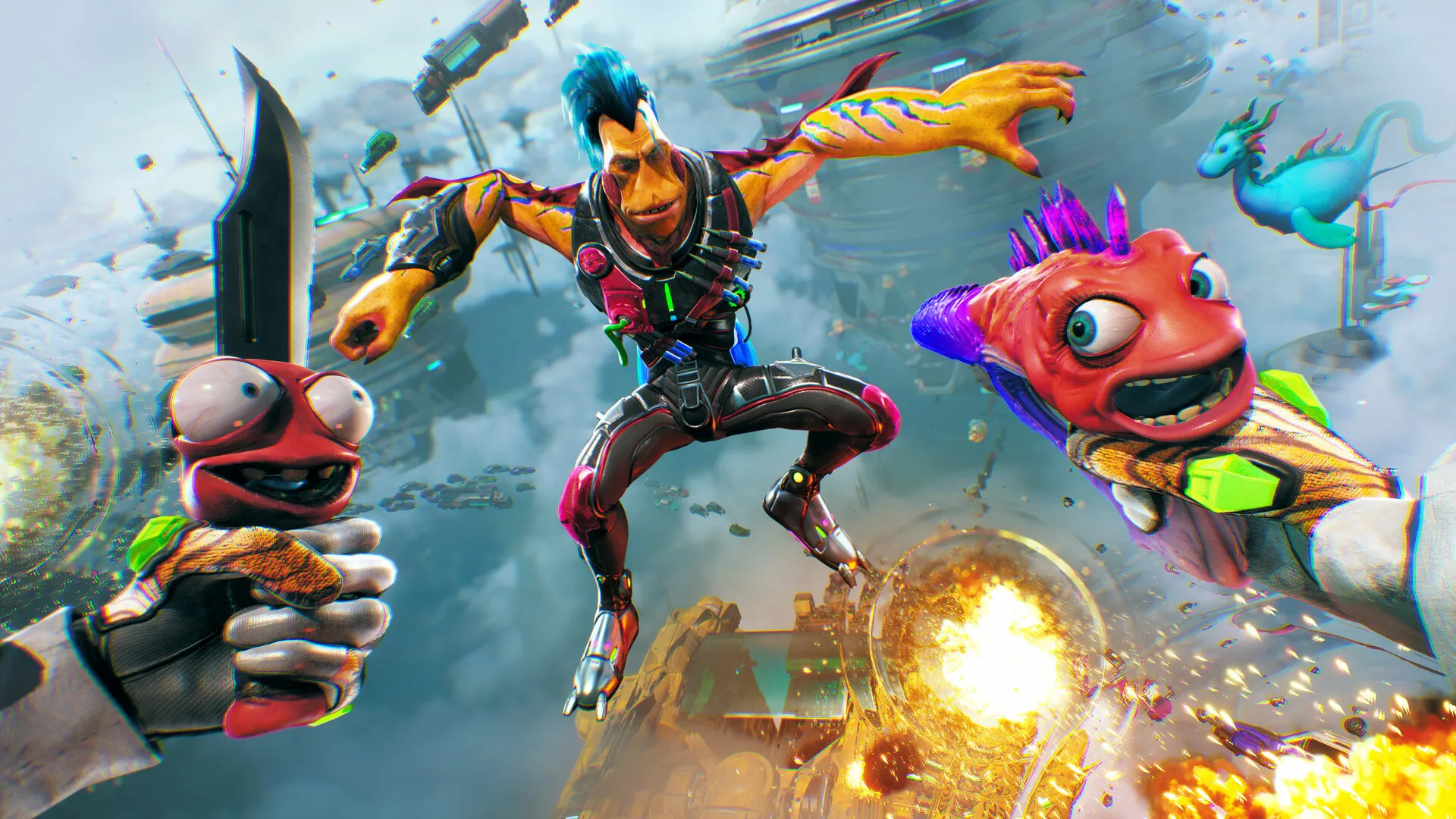
High on Life 2 is now out on PC and consoles, and the general performance on the former platform is below par at best.
There have been instances of several players encountering occasional lags and stutters early on their adventures. The main culprit, once again, appears to be Unreal Engine 5. Thankfully, there are a few tweaks you can make on your own to smooth the performance.
Best High on Life 2 graphics settings
Before I deep dive into my current settings, here are the specifications of my PC.- AMD Ryzen 5600G
- 16 GB of DDR5 RAM
- NVIDIA RTX 3060 12 GB
- Window Mode: Windowed Fullscreen (depends completely on your personal preferences)
- Resolution: 1920x1080 (depends on your setup)
- Framerate Limit: 60
- V Sync: Disabled
- Graphics Quality: Medium
- Upscaling: NVIDIA DLSS (FSR for AMD devices)
- Upscaling Method: Balanced
- Frame Generation Technologies: Off
- Latency Reduction Technologies: Off
- Motion Blur: Disabled
- Chromatic Aberration: Disabled
- FOV: 90
- View Distance Quality: Medium
- Global Illumination Quality: Medium
- Anti-Aliasing Quality: Medium
- Shadow Quality: Low
- Post Process Quality: Medium
- Texture Quality: Medium
- Effects Quality: Medium
- Foliage Quality: Reduce it to Low if you're struggling with performance
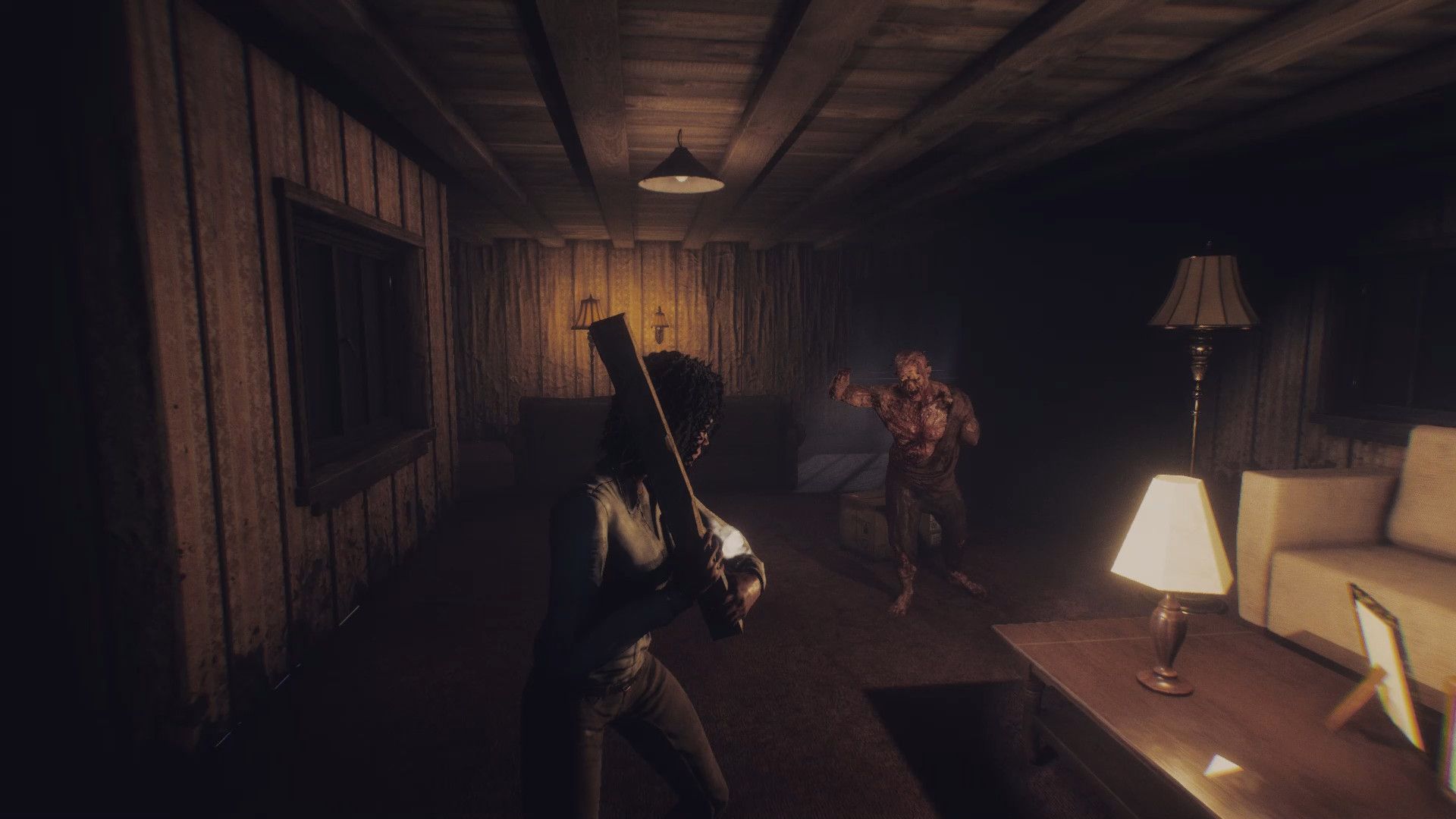
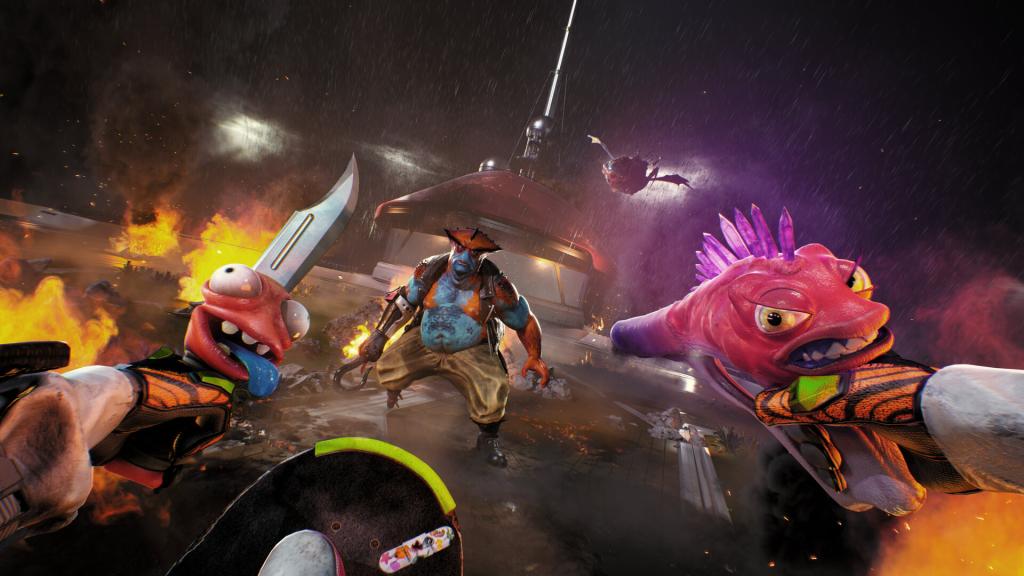 Image via Squanch Games Here are some key pointers to remember. I have tried with unlimited FPS and 120 FPS. Both seem to cause trouble in the form of stutter. It could be my system, but I believe 60 FPS is a good limit if you have a weak hardware setup. While High on Life 2 is a shooter, it's not a competitive one. 60 FPS will be more than enough if you manage to keep the stutters away.
V Sync comes disabled by default, and it's best to keep it that way. The extra feature doesn't offer much, but consumes a lot more resources.
The post Best High on Life 2 graphics settings for no lag and max FPS appeared first on Destructoid.

Jat AI
Stay informed with the latest in artificial intelligence. Jat AI News Portal is your go-to source for AI trends, breakthroughs, and industry analysis. Connect with the community of technologists and business professionals shaping the future.





![KAIZEN Locations & Map Guide – Boss, Chest, Weapon, Style [KASHIMO]](https://www.destructoid.com/wp-content/uploads/2026/02/kaizen-locations-and-map-guide.jpg)




