















Dev Diary - Race Day #3 - Free Update
Welcome back, mayors! In this third Developer Diary, we wanted to showcase all the free content coming in the update alongside the launch of Race Day Expansion. And just to clarify, you are not required to own the Expansion to enjoy these features; it will be available for everyone!Roadside FencesFences can now be added to roads! Just like trees, you can select the fence you want and apply it to the roadside. This will work for any fence type on just about any road type.Left-clicking on a road with the Fence selected will add it to the side nearest to the cursor or selection. Right-clicking will remove the fence.If the Fence placement tool is set to Upgrade, right-clicking will flip the direction the fence is facing. This now works for all fences, not just ones on roads.BillboardsTwo new large placeable billboard props are also included in the free content. These are self-illuminating, so you can advertise 24/7! Find these in the Props tab of Parks and Plazas.Employment Info ViewEmployment is now visible in the Info Views. Take a look at your city to see if your commercial, industrial, and office zones are in need of workers to fill jobs. You can also check your residential areas to see where unemployed workers live.Thanks for reading! That’s all for our update showcase. We hope to see what the community can build with this new content in Race Day or the free content we’ve added!Tantalus
Welcome back, mayors! In this third Developer Diary, we wanted to showcase all the free content coming in the update alongside the launch of Race Day Expansion.
And just to clarify, you are not required to own the Expansion to enjoy these features; it will be available for everyone!
Fences can now be added to roads! Just like trees, you can select the fence you want and apply it to the roadside. This will work for any fence type on just about any road type.
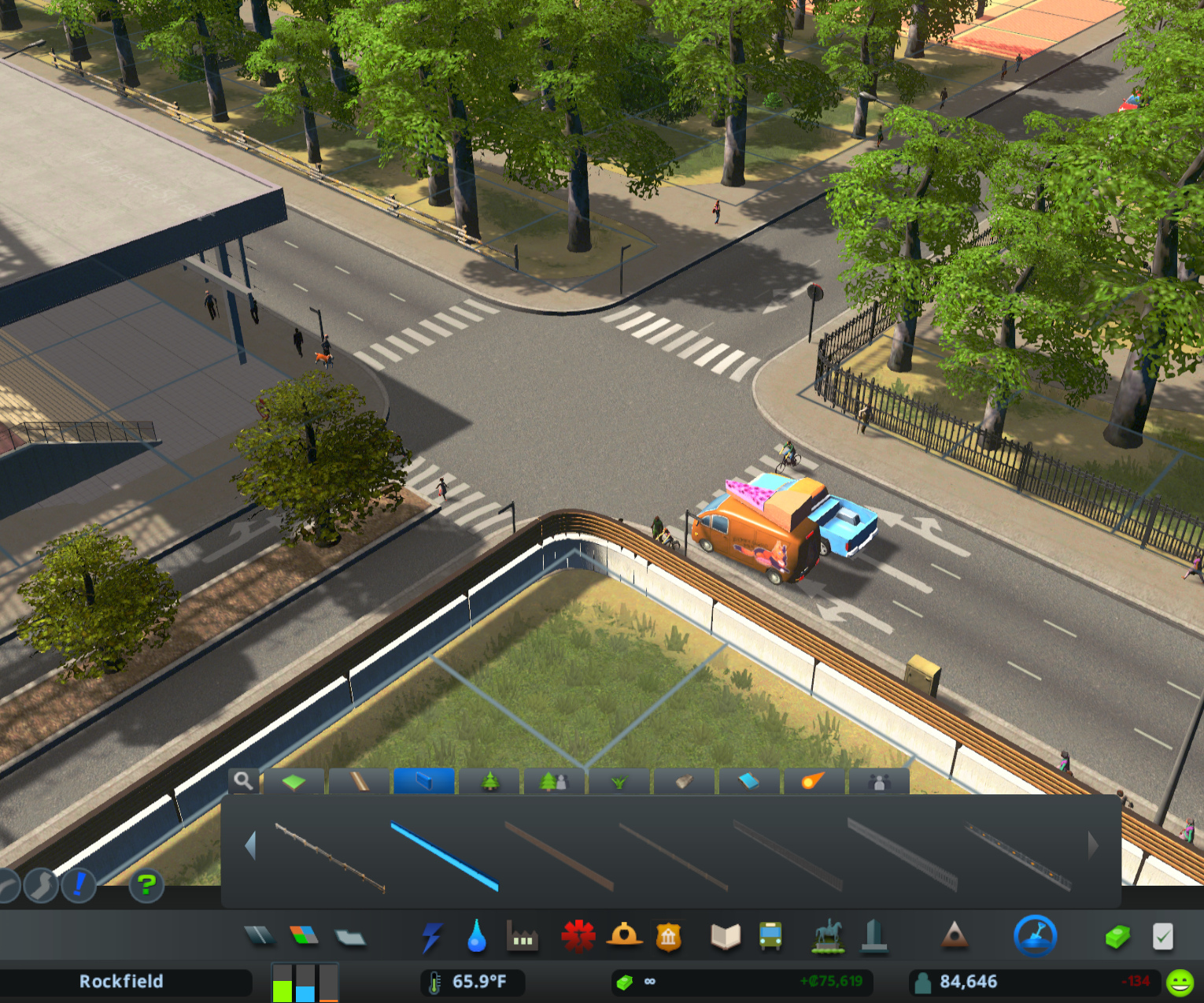
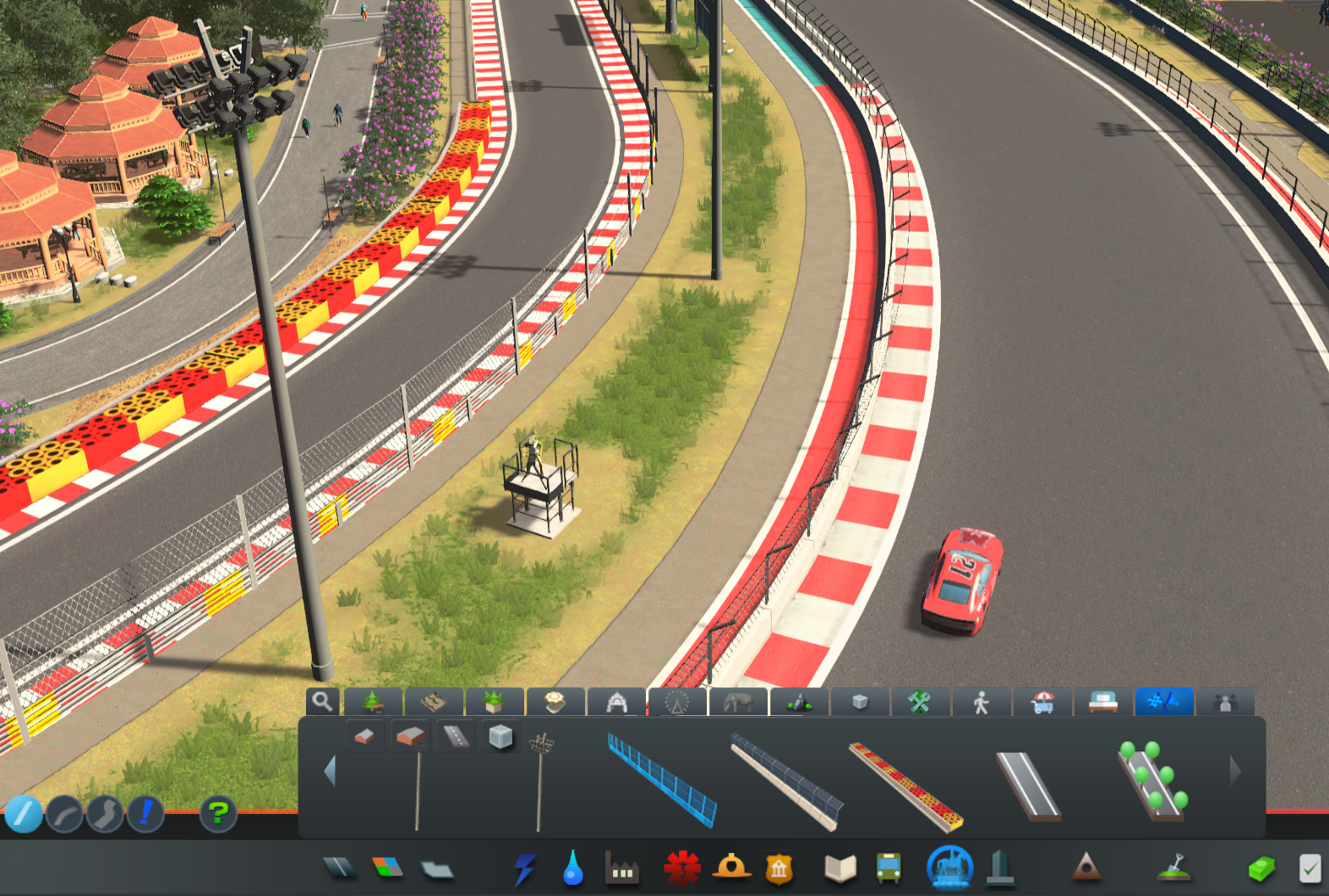
Left-clicking on a road with the Fence selected will add it to the side nearest to the cursor or selection. Right-clicking will remove the fence.
If the Fence placement tool is set to Upgrade, right-clicking will flip the direction the fence is facing. This now works for all fences, not just ones on roads.
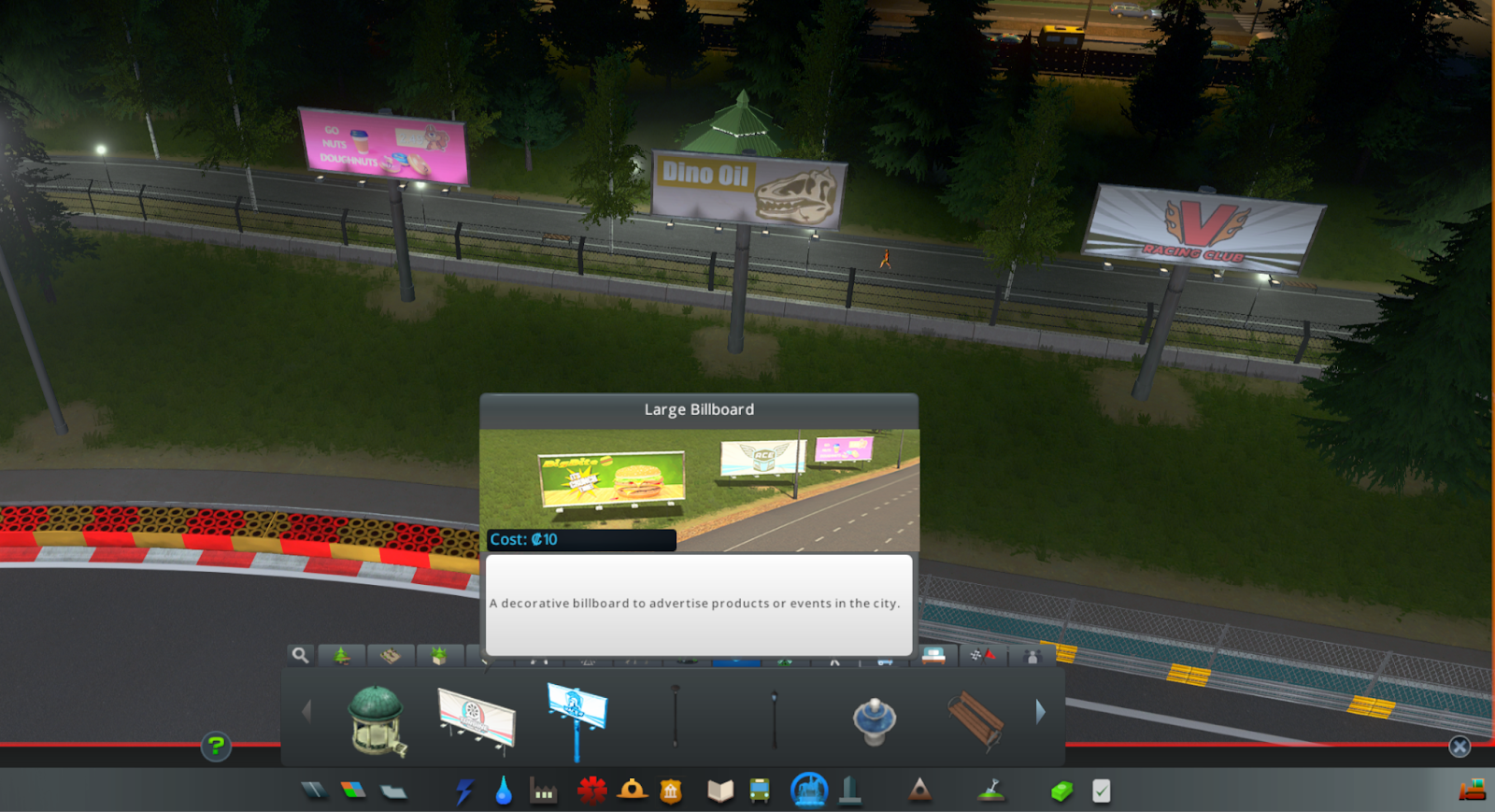
Two new large placeable billboard props are also included in the free content. These are self-illuminating, so you can advertise 24/7! Find these in the Props tab of Parks and Plazas.
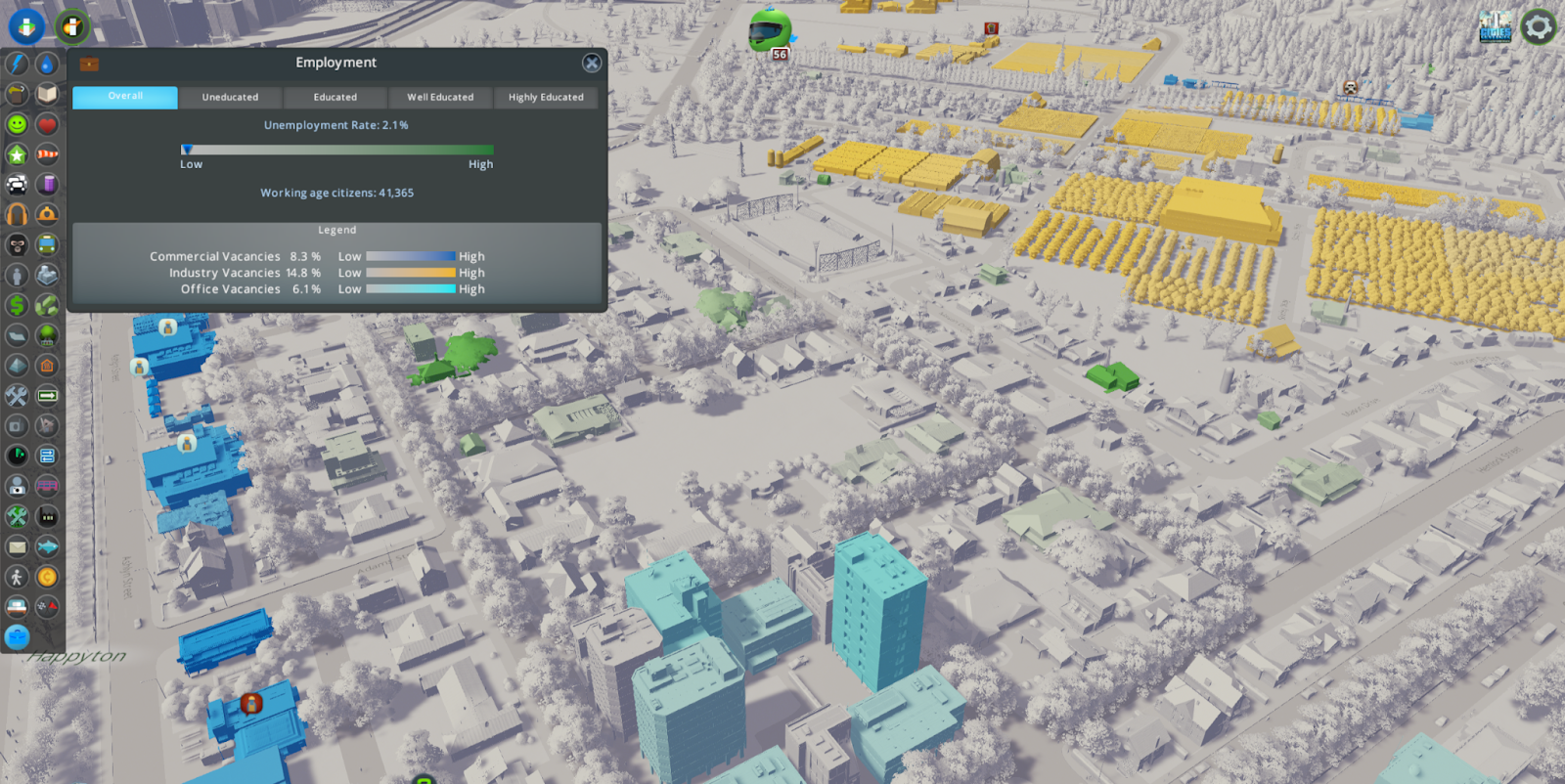
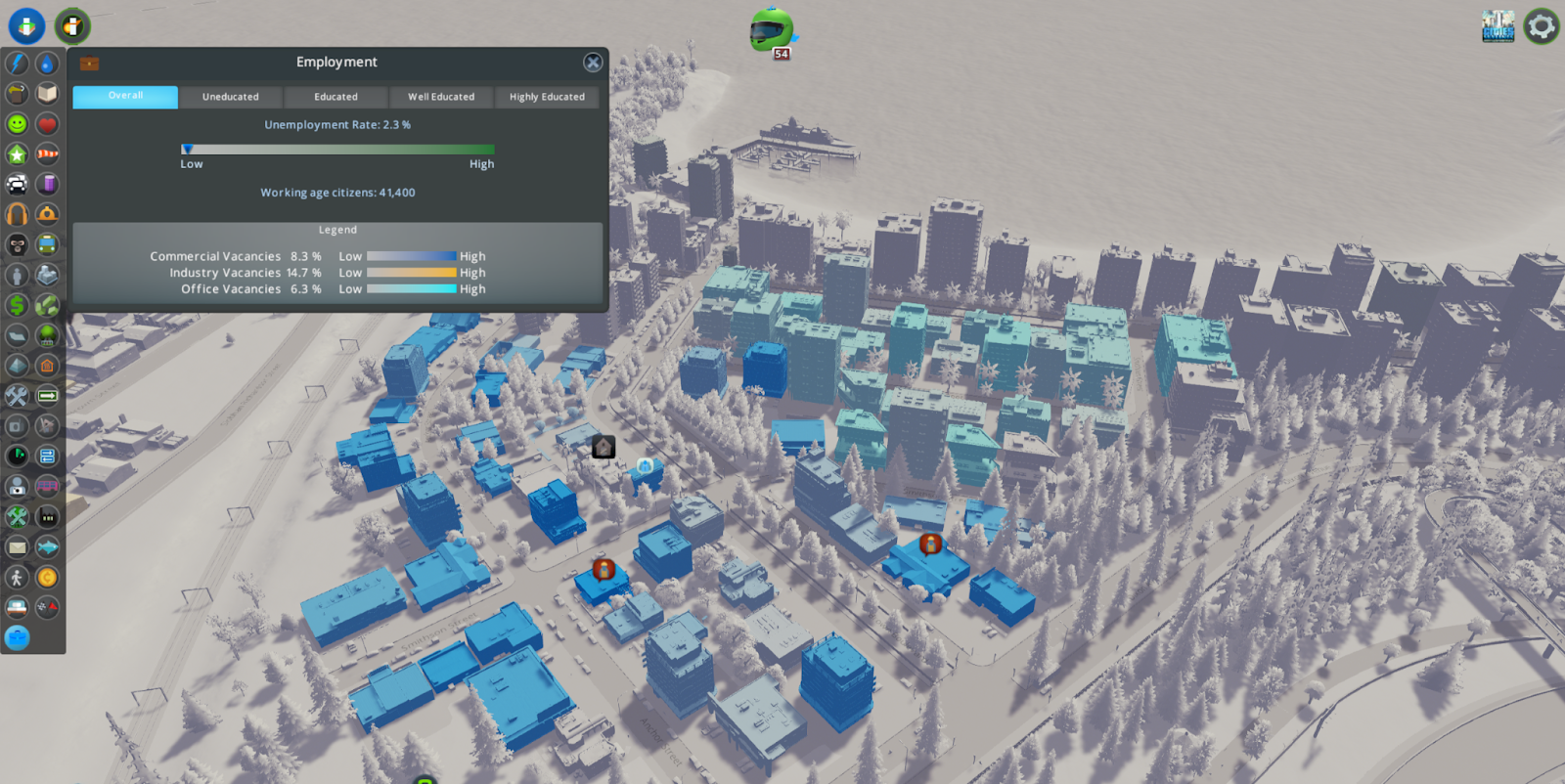
Employment is now visible in the Info Views. Take a look at your city to see if your commercial, industrial, and office zones are in need of workers to fill jobs. You can also check your residential areas to see where unemployed workers live.
Thanks for reading! That’s all for our update showcase. We hope to see what the community can build with this new content in Race Day or the free content we’ve added!
Tantalus





![KAIZEN Locations & Map Guide – Boss, Chest, Weapon, Style [KASHIMO]](https://www.destructoid.com/wp-content/uploads/2026/02/kaizen-locations-and-map-guide.jpg)




