
















Guns, Guides, and Games
From reloading to custom games, today's update will give you plenty to think about.ReloadWhen you reload in CS2, the leftover ammo in your magazine is dumped back into an essentially endless reserve supply. And so the decision to reload has never offered significant trade-offs—in a safe position with enough time, you might reload after firing a single bullet, or half a mag, or after firing down to empty, and the rest of the round would be unaffected. We think the decision to reload should have higher stakes, so in today's update reloading has been redesigned. Now, when you reload, you'll drop the used magazine and discard all of its remaining ammo. Instead of 'topping off' your weapon with a few bullets, a new full magazine will be taken from the reserves whenever you reload. How many reserve mags will each weapon have? Most have gotten a three clips fill-up, but some weapons will have less to reward efficiency and precision, or more to encourage spamming through walls and smokes. Keep an eye on your reserve supply!Map Guides in Competitive MatchesWe get it. You could learn some smokes offline, but who has the time? To help you pick up some new tricks, map guides can now be used during the first five rounds of the half in your competitive matches. Competitive map guides are more limited than the ones you use offline, but should be enough to give you a few reminders.You can activate a guide in the pause menu, and to get you started there are official map guides available for Active Duty maps. But if you're looking for something more specific, you can subscribe to guides on the Steam Community Workshop.Join Friends in Custom GamesOver the past several months, the CS community has been hard at work building custom game modes using special scripting tools. Now, you can join your friends in the fun!Whenever you're playing a custom game, whether on a community server or hosted locally, your friends will be able to join you directly from the Friends list (as long as the server allows it). Want to set up your own custom game? Head over to your Workshop Maps tab in the Play menu, and make sure to turn on "Open Party." Now, when you start playing your workshop map you'll host a game on your machine, and your friends will be able to join.So head to the Steam Community Workshop, subscribe to some maps, and try something new!
From reloading to custom games, today's update will give you plenty to think about.
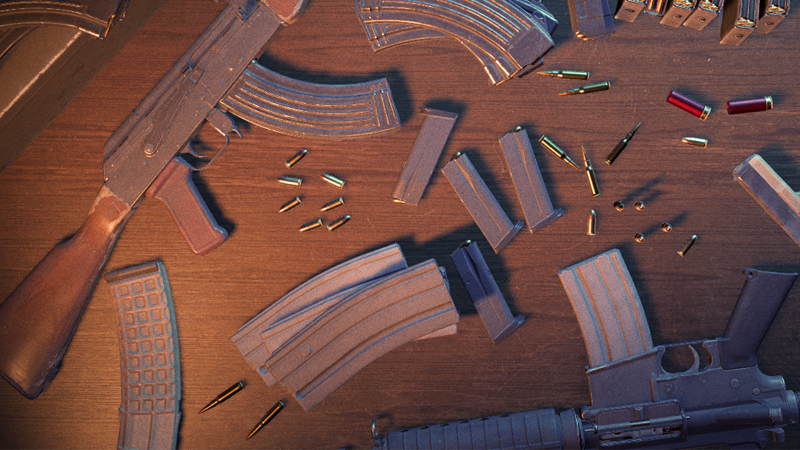
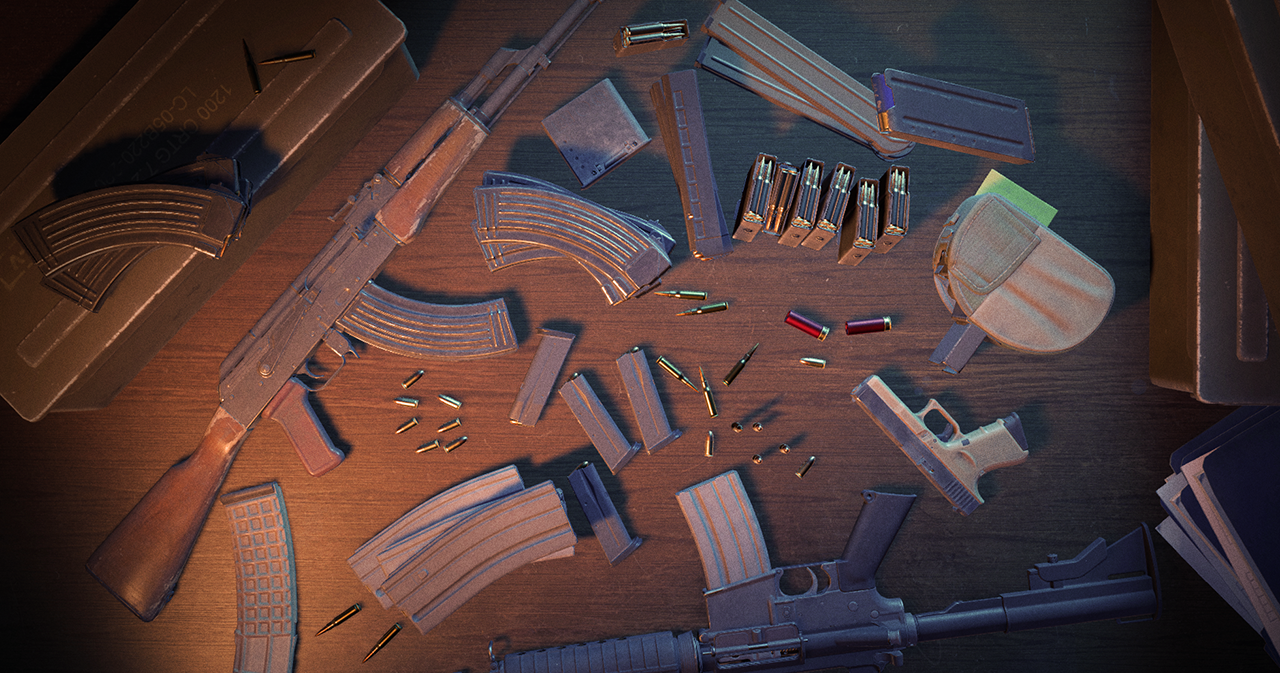 When you reload in CS2, the leftover ammo in your magazine is dumped back into an essentially endless reserve supply. And so the decision to reload has never offered significant trade-offs—in a safe position with enough time, you might reload after firing a single bullet, or half a mag, or after firing down to empty, and the rest of the round would be unaffected.
We think the decision to reload should have higher stakes, so in today's update reloading has been redesigned. Now, when you reload, you'll drop the used magazine and discard all of its remaining ammo. Instead of 'topping off' your weapon with a few bullets, a new full magazine will be taken from the reserves whenever you reload.
How many reserve mags will each weapon have? Most have gotten a three clips fill-up, but some weapons will have less to reward efficiency and precision, or more to encourage spamming through walls and smokes. Keep an eye on your reserve supply!
We get it. You could learn some smokes offline, but who has the time?
To help you pick up some new tricks, map guides can now be used during the first five rounds of the half in your competitive matches. Competitive map guides are more limited than the ones you use offline, but should be enough to give you a few reminders.
You can activate a guide in the pause menu, and to get you started there are official map guides available for Active Duty maps. But if you're looking for something more specific, you can subscribe to guides on the Steam Community Workshop.
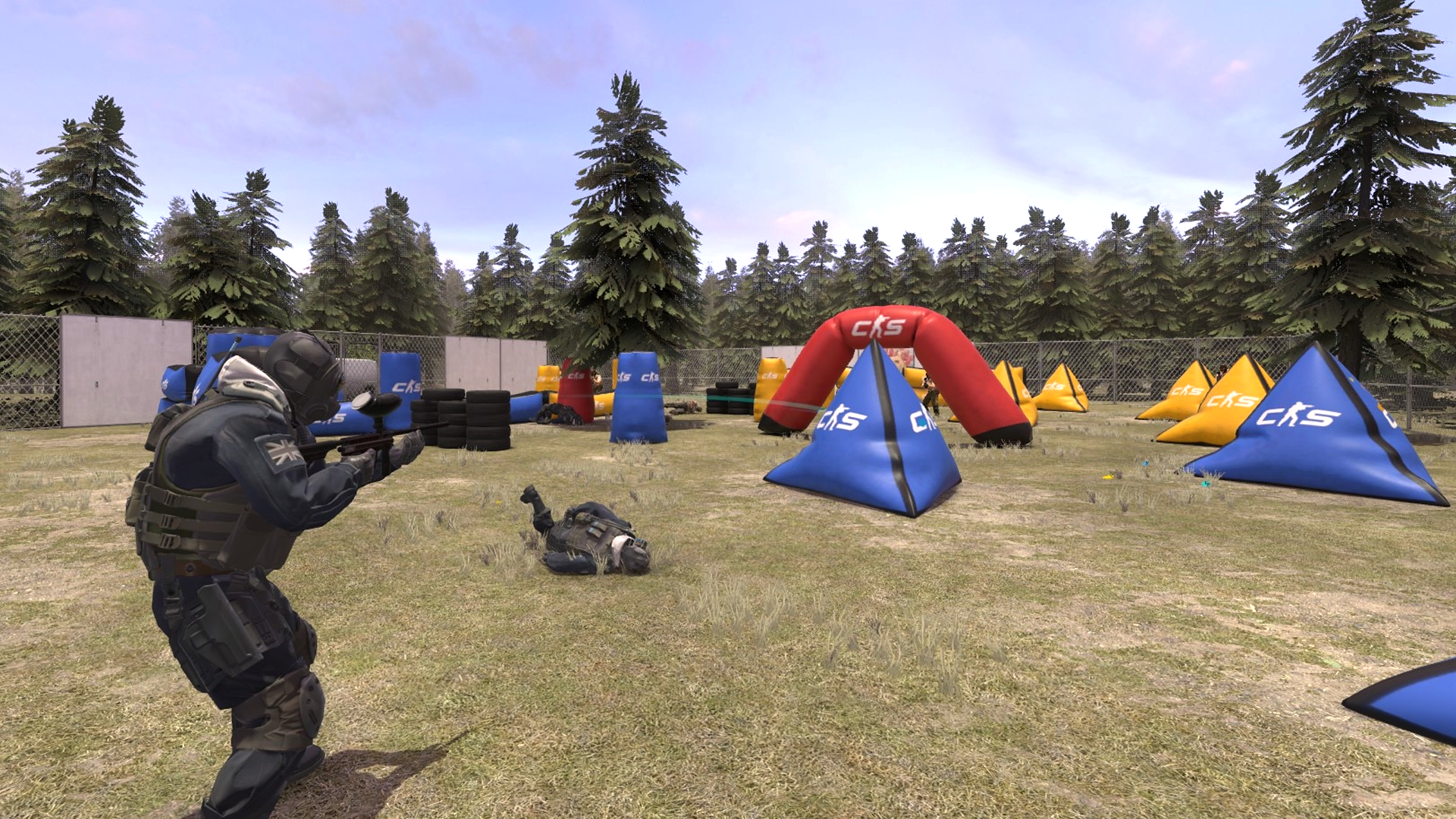 Over the past several months, the CS community has been hard at work building custom game modes using special scripting tools. Now, you can join your friends in the fun!
Whenever you're playing a custom game, whether on a community server or hosted locally, your friends will be able to join you directly from the Friends list (as long as the server allows it).
Want to set up your own custom game? Head over to your Workshop Maps tab in the Play menu, and make sure to turn on "Open Party." Now, when you start playing your workshop map you'll host a game on your machine, and your friends will be able to join.
So head to the Steam Community Workshop, subscribe to some maps, and try something new!