




















How to summon your companions in Crimson Desert
Crimson Desert might be a singleplayer experience at heart, but you don't need to play alone. There are pet companions that you can find on your adventures. However, you can also get two additional companion characters in the form of Damaine and Oongka. While you can play as them if you want, you can also have them as a companion to join you on your adventure.How to use companions in Crimson Desert The first step is to unlock Damaine and Oongka, which can be done as you complete the main campaign. If you're a beginner, it will take some time for you to unlock both. Once you unlock them, both Damaine and Oongka will be permanently available for you to pick from. Image via Pearl Abyss However, you can only play as one character at any given time. If you switch from Kliff to, let's say, Damaine, the other character will be controlled by the AI. To summon characters as companions, open the character radial menu. Select the companion and then summon them. You'll need to wait slightly for them to arrive, and once they do, they will follow you wherever you go. Having a companion is extremely useful since they can help you to take down enemies. However, they won't join you in boss fights, which need to be done on your own. They will also be unable to solve any puzzles for you, which also have to be done on your own. That said, having someone to aid you in general combat is always helpful. You can also have your own pets that can act as additional companions. They won't help you in combat, but they will help you with loot collection, which saves a lot of time and energy. The post How to summon your companions in Crimson Desert appeared first on Destructoid.
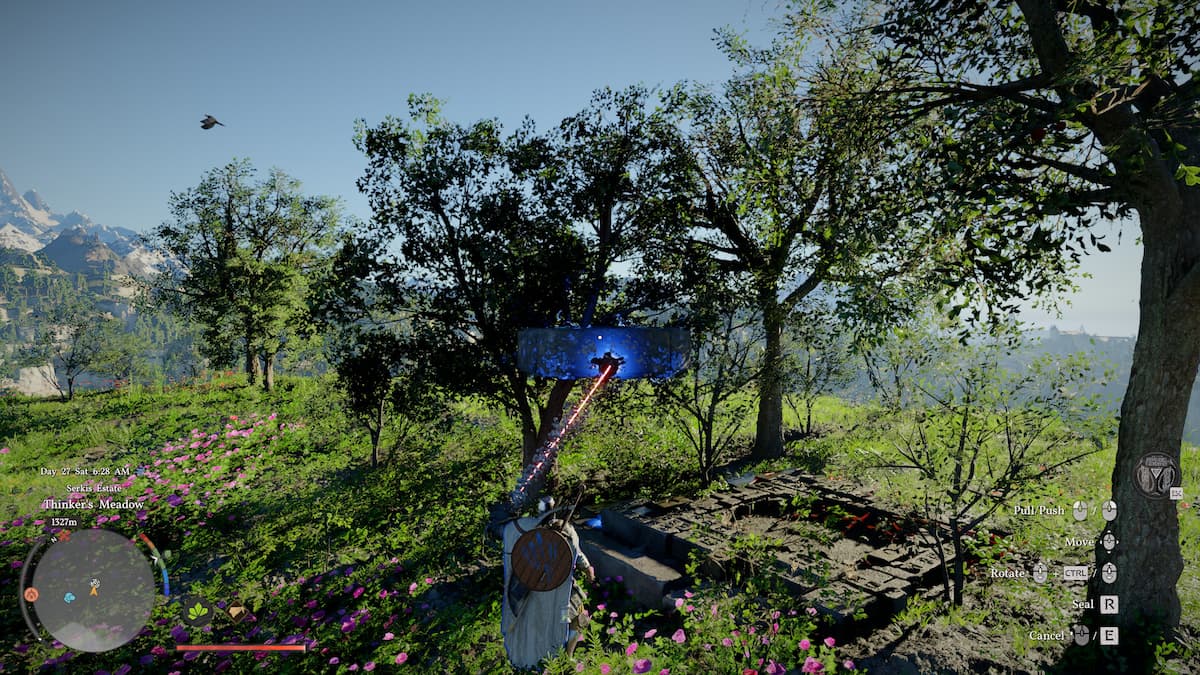
Crimson Desert might be a singleplayer experience at heart, but you don't need to play alone. There are pet companions that you can find on your adventures. However, you can also get two additional companion characters in the form of Damaine and Oongka.
While you can play as them if you want, you can also have them as a companion to join you on your adventure.
How to use companions in Crimson Desert
The first step is to unlock Damaine and Oongka, which can be done as you complete the main campaign. If you're a beginner, it will take some time for you to unlock both. Once you unlock them, both Damaine and Oongka will be permanently available for you to pick from.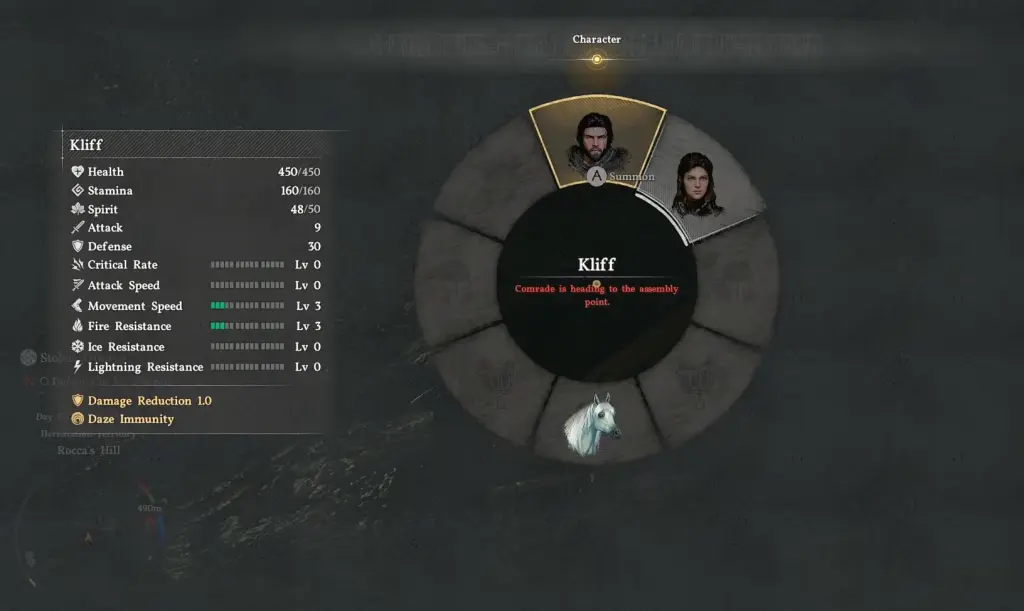 Image via Pearl Abyss However, you can only play as one character at any given time. If you switch from Kliff to, let's say, Damaine, the other character will be controlled by the AI. To summon characters as companions, open the character radial menu. Select the companion and then summon them.
You'll need to wait slightly for them to arrive, and once they do, they will follow you wherever you go. Having a companion is extremely useful since they can help you to take down enemies. However, they won't join you in boss fights, which need to be done on your own. They will also be unable to solve any puzzles for you, which also have to be done on your own.
That said, having someone to aid you in general combat is always helpful. You can also have your own pets that can act as additional companions. They won't help you in combat, but they will help you with loot collection, which saves a lot of time and energy.
The post How to summon your companions in Crimson Desert appeared first on Destructoid.

Jat AI
Stay informed with the latest in artificial intelligence. Jat AI News Portal is your go-to source for AI trends, breakthroughs, and industry analysis. Connect with the community of technologists and business professionals shaping the future.