













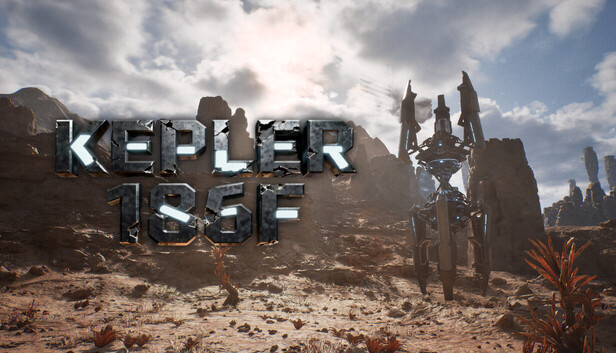
KEPLER 186F EARLY ACCESS - V0.1.1.51 - SMALL UPDATES
Hello, crisis management bots!We have been carefully reviewing all player saves, error reports, and every piece of valuable feedback you’ve shared. We have just released a new update.This update represents another important step in our ongoing commitment to enhancing the overall gaming experience of Kepler 186F. Thank you for your continued support and companionship—we will keep listening to your voices and keep making the game even better!Fixes & ImprovementsGame-relatedAdded a new map: Tianhe Data CenterAdded a base temperature indicator for the destination when entering the gameFixed issues with incorrect frame rate display in neural network mode and the lack of transition after animation playback.Adjusted the top button in the neural networkAdjusted the "Enter Game" button on the main menu; now entering the game will directly take you to "Tianhe Data Center," allowing you to select the desired scene in third-person view.Adjusted the temperature indicator when entering the game on the main menu.Adjusted the display text for area notifications.As always, your reports help guide these fixes. Please keep sending feedback through the in-game reporting tools or Discord — we read it all.More improvements coming soon.—— Axiox Media
Hello, crisis management bots!
We have been carefully reviewing all player saves, error reports, and every piece of valuable feedback you’ve shared. We have just released a new update.
This update represents another important step in our ongoing commitment to enhancing the overall gaming experience of Kepler 186F. Thank you for your continued support and companionship—we will keep listening to your voices and keep making the game even better!
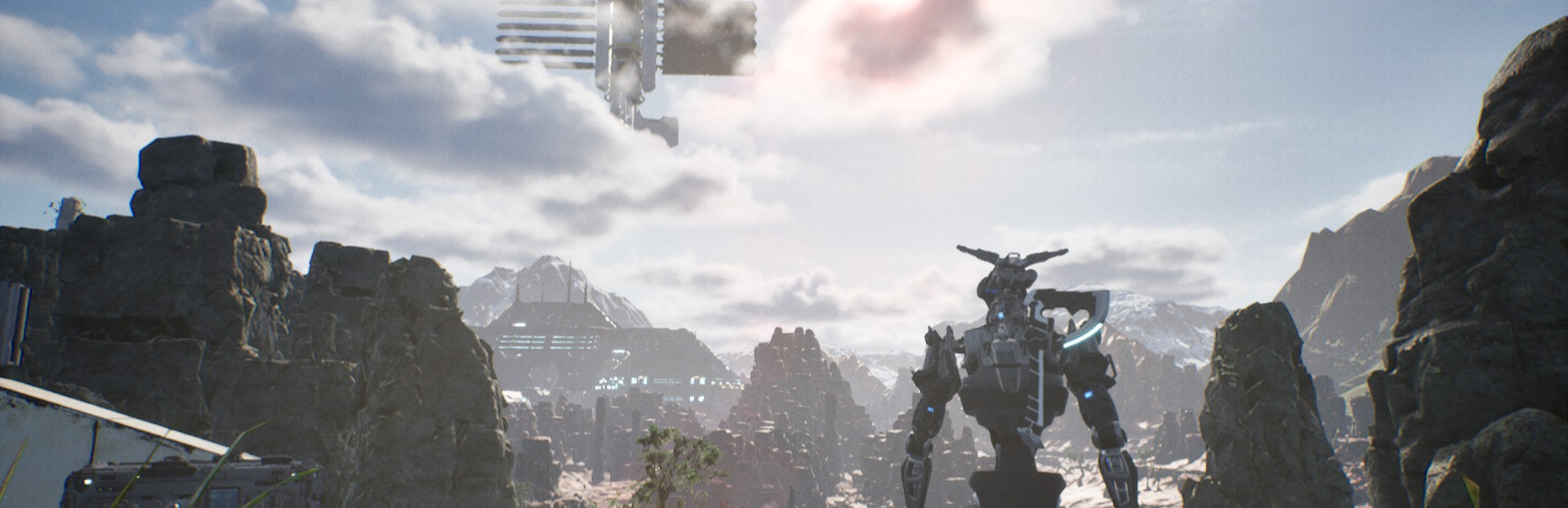
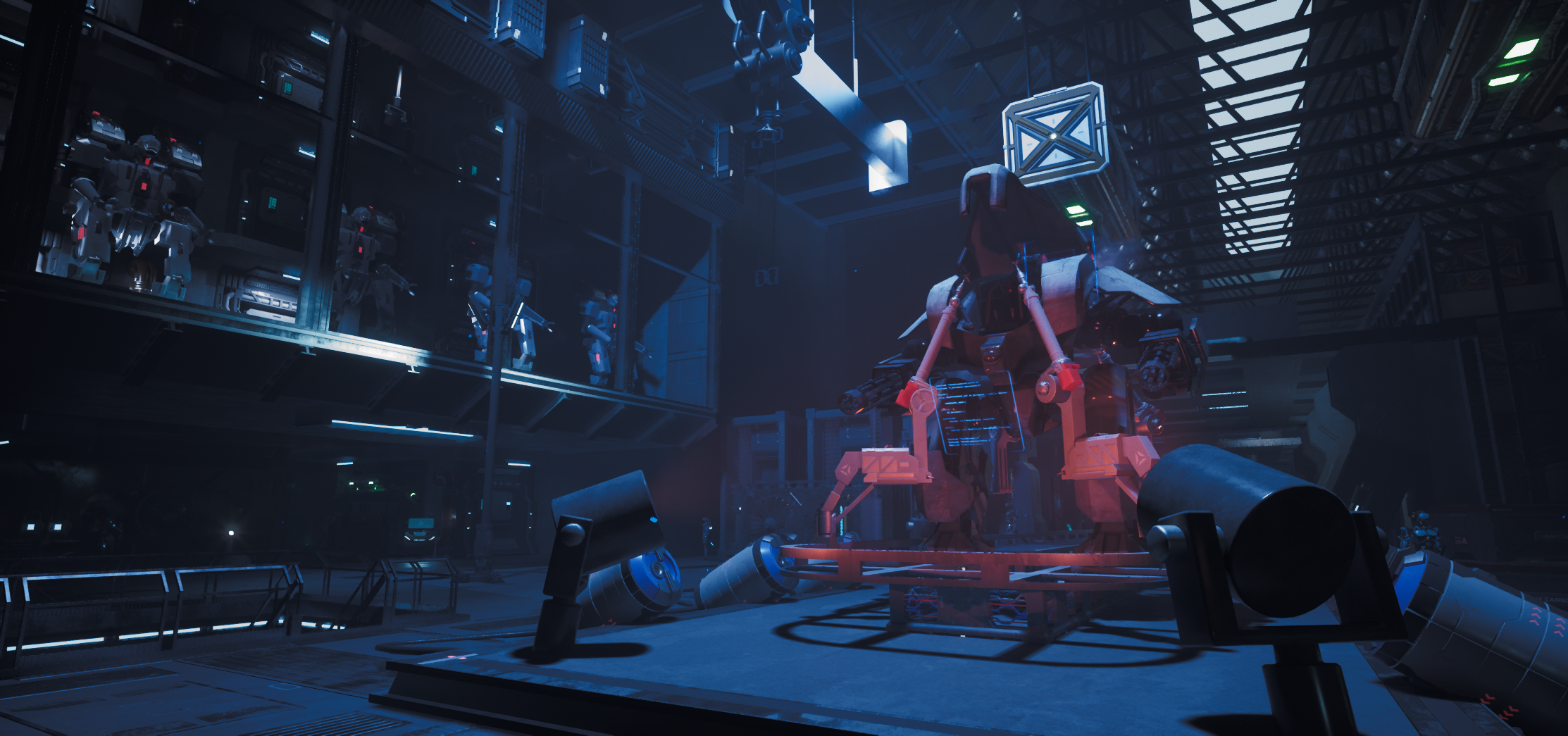
Added a new map: Tianhe Data Center
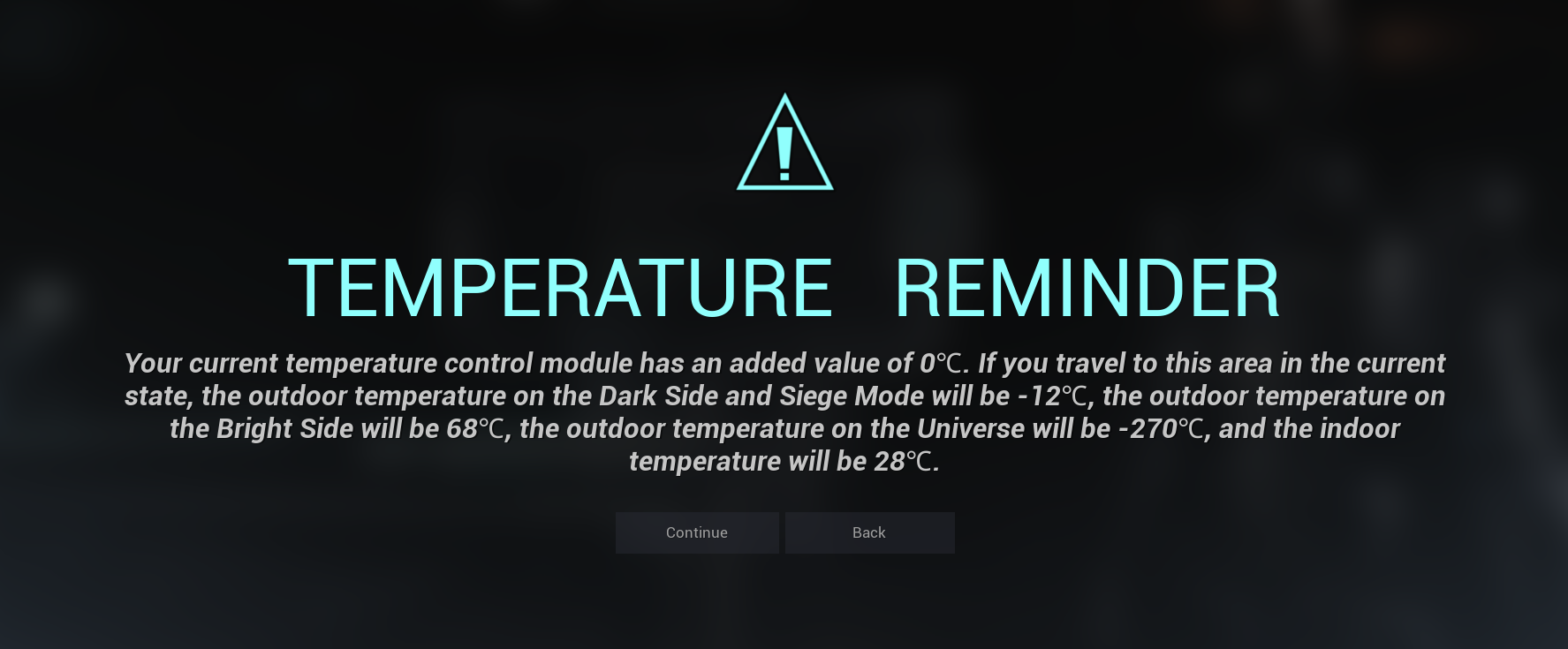
Added a base temperature indicator for the destination when entering the game
Fixed issues with incorrect frame rate display in neural network mode and the lack of transition after animation playback.
Adjusted the top button in the neural network
Adjusted the "Enter Game" button on the main menu; now entering the game will directly take you to "Tianhe Data Center," allowing you to select the desired scene in third-person view.
Adjusted the temperature indicator when entering the game on the main menu.
Adjusted the display text for area notifications.
As always, your reports help guide these fixes. Please keep sending feedback through the in-game reporting tools or Discord — we read it all.
More improvements coming soon.
—— Axiox Media