
















Are Gears of War E-Day servers down?
If you're having trouble with Gears of War E-Day servers being down or you're seeing an error code when trying to log into the online multiplayer game, then you're probably pretty frustrated. Unfortunately, I can't fix the problem, but I can tell you a bit more about why it's happening, what you can do in the meantime, and what your error code might mean.What to do if the Gears of War E-Day servers are down? (Image credit: The Coalition) Since launch, the Gears of War E-Day servers have had some problems. While in-game messages blamed this on overcrowding, it later turned out this was in fact due to DDoS attacks, as confirmed by The Coalition. Hopefully this sort of issue won't happen again, but if you do find that E-Day servers are down or you're put in a queue, you can still access the brilliant campaign in offline mode. If you've not tried it yet, it's definitely worth a go, as you can read in our Gears of War E-Day review. Thanks to Gears of War E-Day co-op options, this means you can enjoy the campaign on your own or in split screen couch co-op even when the game's online servers are down. If that's not for you, there are a few other classic options you can try. First off, always try turning your device and your router off and on again (it's a joke for a reason). If you're playing on Steam, you can also try verifying the game's files. To do this:Close the game.Open your Steam library.Right click on Gears of War E-Day in your library list.Select the 'Installed Files' tab.Click on 'Verify integrity of game files'. If none of that works, then all you can do is wait for the issue to be fixed. In that case, keep an eye on official channels, such as the Gears Community X feed.Gears of War E-Day error codes (Image credit: The Coalition) If you're seeing an error code instead, there are a few reasons that could be to blame, and I'll go through them and their fixes right here.drone-snubIf you're using a VPN, try turning it off.quentin-ephyraXbox Quick Resume issue. Fully close and relaunch the game.gill-gutpuncherReset your device's date and time settings.manu-boomshotTry restarting your router and device.drone-snubTry restarting your router and device.elias-gutpuncherTry restarting your router and device.marcus-lancerA developer fix has now been issued for this one. If you see any of these, give the options above a try, but I can't promise they'll fix anything. Sometimes these things are beyond our capabilities, and you'll just have to wait for a server-side fix. © GamesRadar+. Not to be reproduced without permission. [/url]
 If you're having trouble with Gears of War E-Day servers being down or you're seeing an error code when trying to log into the online multiplayer game, then you're probably pretty frustrated. Unfortunately, I can't fix the problem, but I can tell you a bit more about why it's happening, what you can do in the meantime, and what your error code might mean.
What to do if the Gears of War E-Day servers are down?
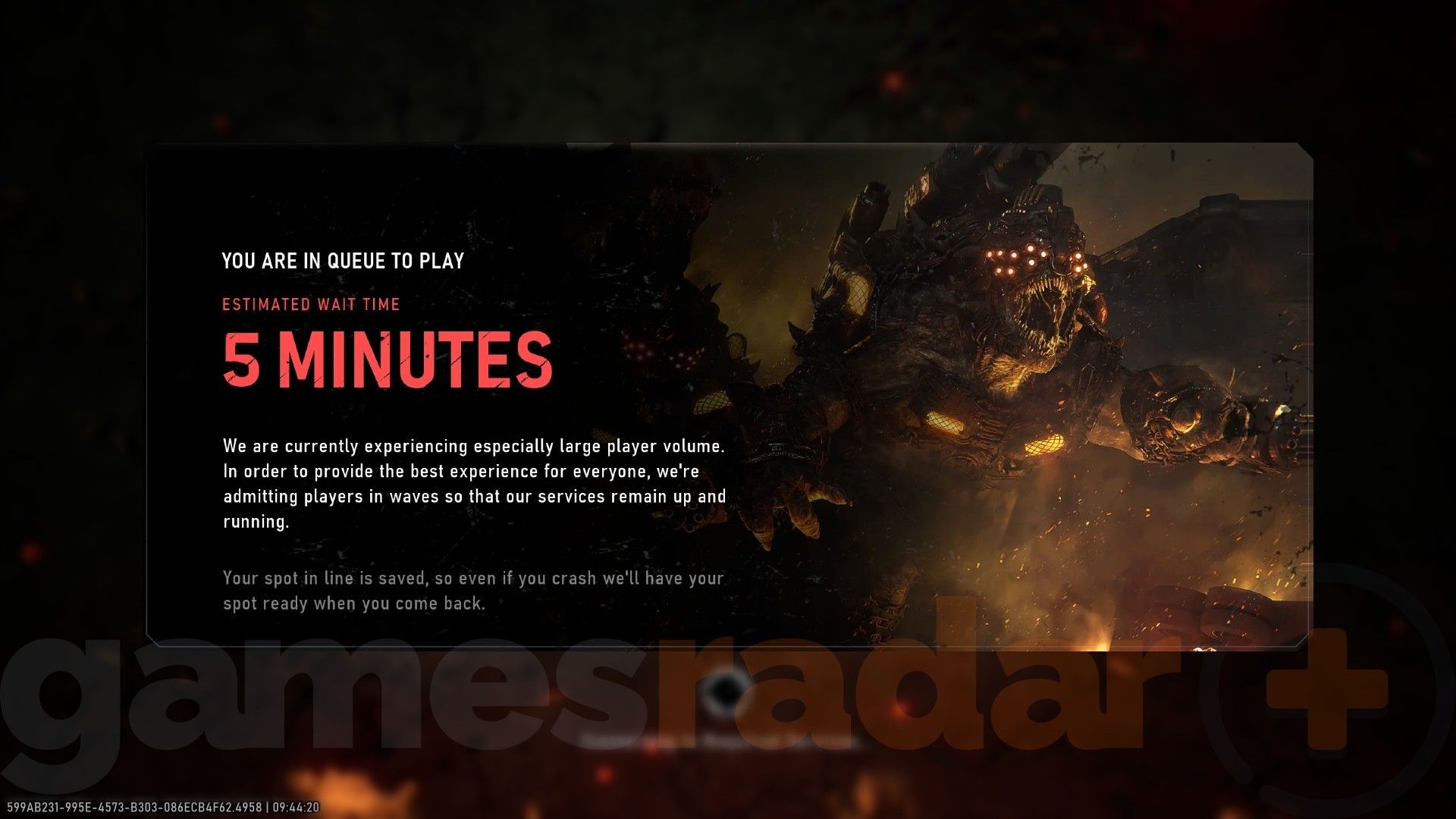
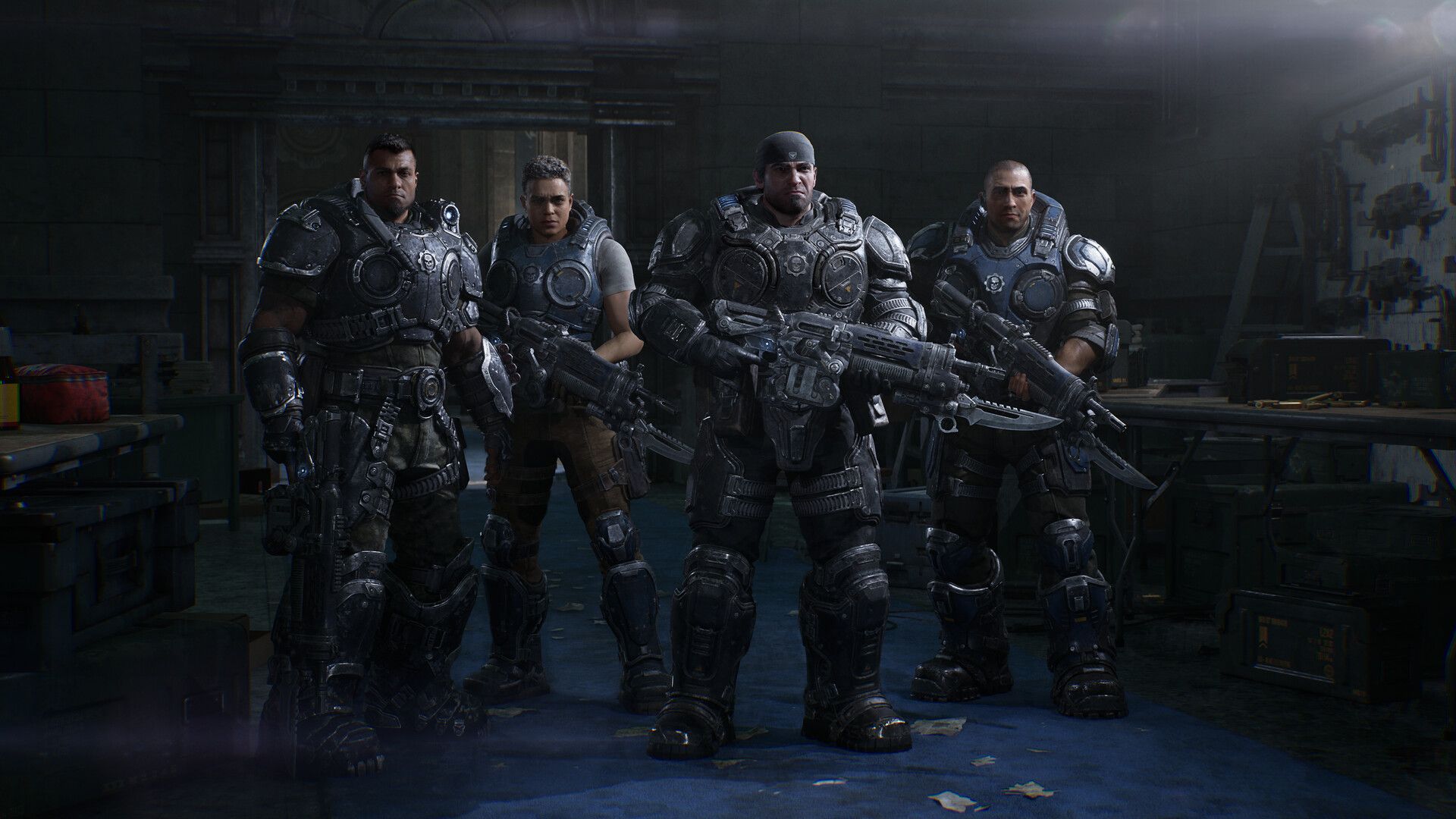
(Image credit: The Coalition) Since launch, the Gears of War E-Day servers have had some problems. While in-game messages blamed this on overcrowding, it later turned out this was in fact due to DDoS attacks, as confirmed by The Coalition. Hopefully this sort of issue won't happen again, but if you do find that E-Day servers are down or you're put in a queue, you can still access the brilliant campaign in offline mode. If you've not tried it yet, it's definitely worth a go, as you can read in our Gears of War E-Day review.
Thanks to Gears of War E-Day co-op options, this means you can enjoy the campaign on your own or in split screen couch co-op even when the game's online servers are down.
If that's not for you, there are a few other classic options you can try. First off, always try turning your device and your router off and on again (it's a joke for a reason). If you're playing on Steam, you can also try verifying the game's files. To do this:
- Close the game.
- Open your Steam library.
- Right click on Gears of War E-Day in your library list.
- Select the 'Installed Files' tab.
- Click on 'Verify integrity of game files'.
Gears of War E-Day error codes
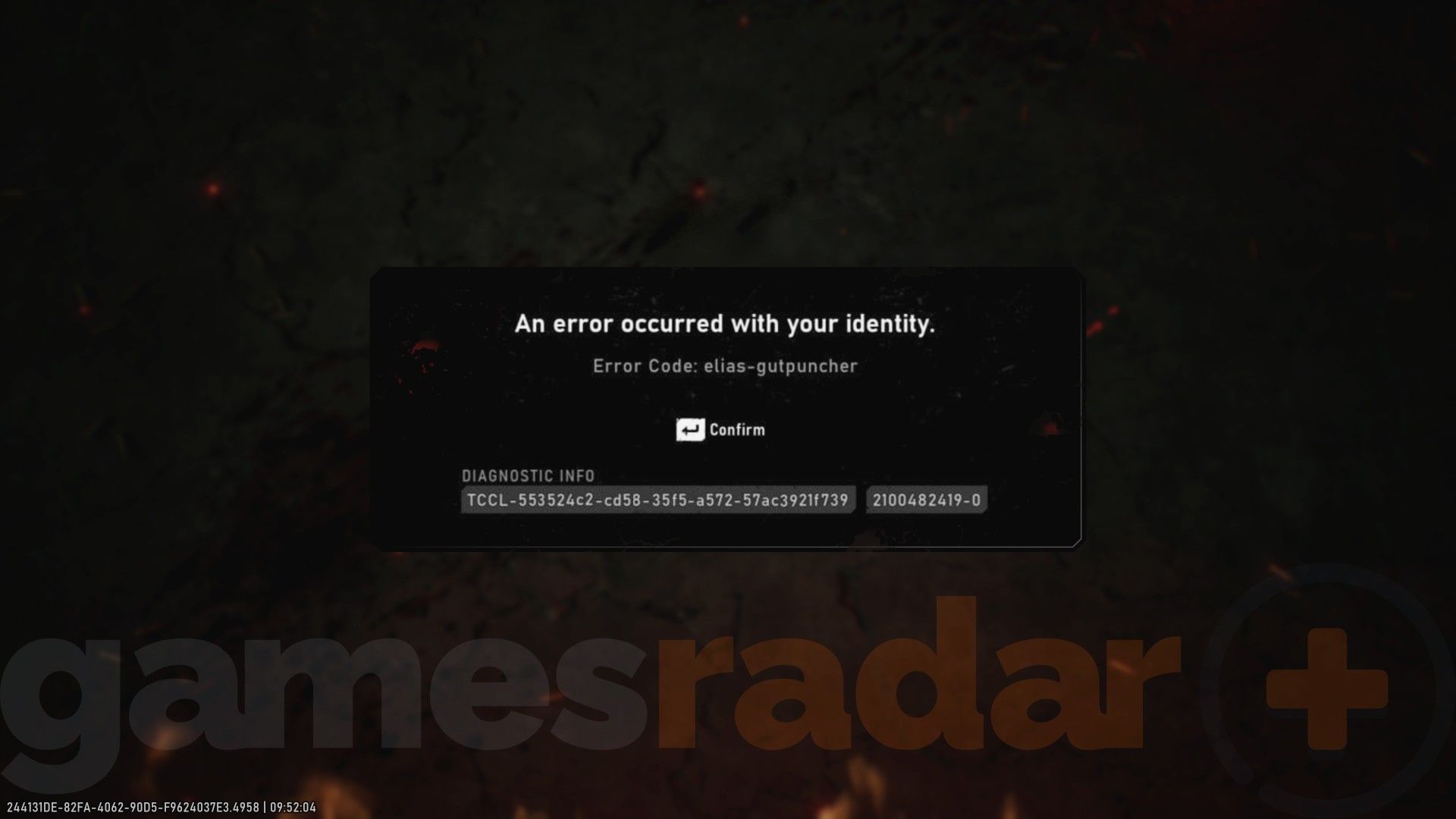
(Image credit: The Coalition) If you're seeing an error code instead, there are a few reasons that could be to blame, and I'll go through them and their fixes right here.
- drone-snub
- If you're using a VPN, try turning it off.
- quentin-ephyra
- Xbox Quick Resume issue. Fully close and relaunch the game.
- gill-gutpuncher
- Reset your device's date and time settings.
- manu-boomshot
- Try restarting your router and device.
- drone-snub
- Try restarting your router and device.
- elias-gutpuncher
- Try restarting your router and device.
- marcus-lancer
- A developer fix has now been issued for this one.
© GamesRadar+. Not to be reproduced without permission.
[/url]

Jat AI
Stay informed with the latest in artificial intelligence. Jat AI News Portal is your go-to source for AI trends, breakthroughs, and industry analysis. Connect with the community of technologists and business professionals shaping the future.