
















Powerhaul is Here: The Freightliner Class 70 is Out Now!
The Train Sim World 7: Freightliner BR Class 70 Add-On, developed by All Aboard Studios, is OUT NOW, bringing one of Britain's most distinctive modern freight locomotives to Train Sim World alongside the brand-new Wascosa MLA engineering wagon.Producing 3,700 hp, the Class 70 was built for demanding freight work, from heavy aggregate and engineering trains to intermodal and bulk traffic. In Train Sim World, that power is backed up by one of our most detailed freight locomotive simulations, with an interactive cab, operational electrical and auxiliary systems, detailed Train Management System and an authentic cold start procedure.The Freightliner BR Class 70 Add-On is available now for £14.99 / €17.99 / $17.99.https://store.steampowered.com/app/4680650/Train_Sim_World_7_Freightliner_BR_Class_70_AddOn/3,700 Horsepower of Freightliner MuscleIntroduced in 2009, the Class 70 was designed to deliver increased hauling capability, efficiency and reliability for Britain's freight railway.At its heart is the 12-cylinder GE PowerHaul P616 diesel engine, producing approximately 3,700 hp and driving an AC traction system particularly well suited to getting heavy trains moving.The Class 70 has a maximum speed of 75 mph, but outright speed isn't really the point here. With up to 534 kN of starting tractive effort, this is a locomotive built to shift weight.All Aboard Studios have placed a strong emphasis on recreating the systems behind that performance.The cab features extensive interactive controls, working electrical and auxiliary systems, detailed lighting, safety equipment and Train Management System displays used to configure and monitor the locomotive.You'll also need to think about how you handle all that weight. Heavy freight can require plenty of power to get moving, while careful brake applications and progressive throttle use become increasingly important on gradients and in poor adhesion.Start From ColdWant to go deeper than jumping into the driver's seat and applying power?The Class 70 features a complete Cold Start procedure, allowing you to bring the locomotive to life from a fully shut-down state.With the locomotive Cold and Dark, there's no running engine, active electrical system or usable air pressure waiting for you.You'll need to begin by supplying battery power and bringing the locomotive's systems online before working through the electrical equipment in both cabs.That includes configuring the circuit breakers and auxiliary systems, setting up the air brakes through the Train Management System, enabling Driver Vigilance and preparing the engine controls before you can finally press and hold the Engine Start button.Even then, you're not quite finished.While the engine completes its startup sequence, you can carry out an external inspection before returning to the cab, checking the SMART displays for any active warnings and waiting for sufficient air pressure to build before releasing the parking brake.It's a much more involved way to begin your working day and one that rewards learning what is happening behind the controls rather than simply knowing which lever makes the train move.Four dedicated Tutorials are included to help you get familiar with basic driving, safety systems, the full Cold Start procedure and operation of the MLA engineering wagon.For those who really want to get to know the locomotive, our full Class 70 Manual goes much deeper into the cab, systems and operating procedures.READ THE BR CLASS 70 MANUALLearn the SystemsThe Class 70's depth continues once the engine is running.Two Train Management System displays allow you to monitor key information and configure the locomotive, including brake setup and operating status.The Operator Messages screen also becomes particularly useful if something isn't behaving as expected.Equipment failures, system warnings and tripped circuit breakers can be identified through the TMS, pointing you towards the affected equipment so you can investigate the problem and get the locomotive moving again.That interaction between the TMS, electrical cabinets and physical controls gives you plenty to explore beyond normal driving and helps make understanding the locomotive an important part of the experience.Meet the Wascosa MLAThe Class 70 isn't arriving alone.Also included is the brand-new Wascosa MLA engineering wagon, recreating a versatile modern wagon used across Britain's railway for infrastructure and engineering work.With a payload of approximately 66 tonnes, the low-sided MLA is designed to move materials such as ballast, aggregates, used sleepers and spoil between depots, quarries and railway worksites.In Train Sim World, the wagon is available in four different configurations:Empty - ready to collect materials or return from a worksiteDirty Sleepers - carrying used sleepers removed during track renewalsStone - fresh material ready for engineering and ballast workDirty Stone - used ballast and spoil being removed from the railwayThe MLA also feat
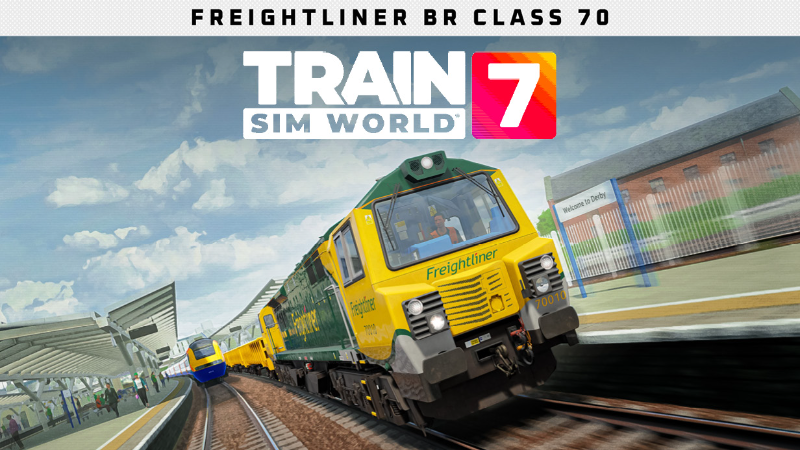
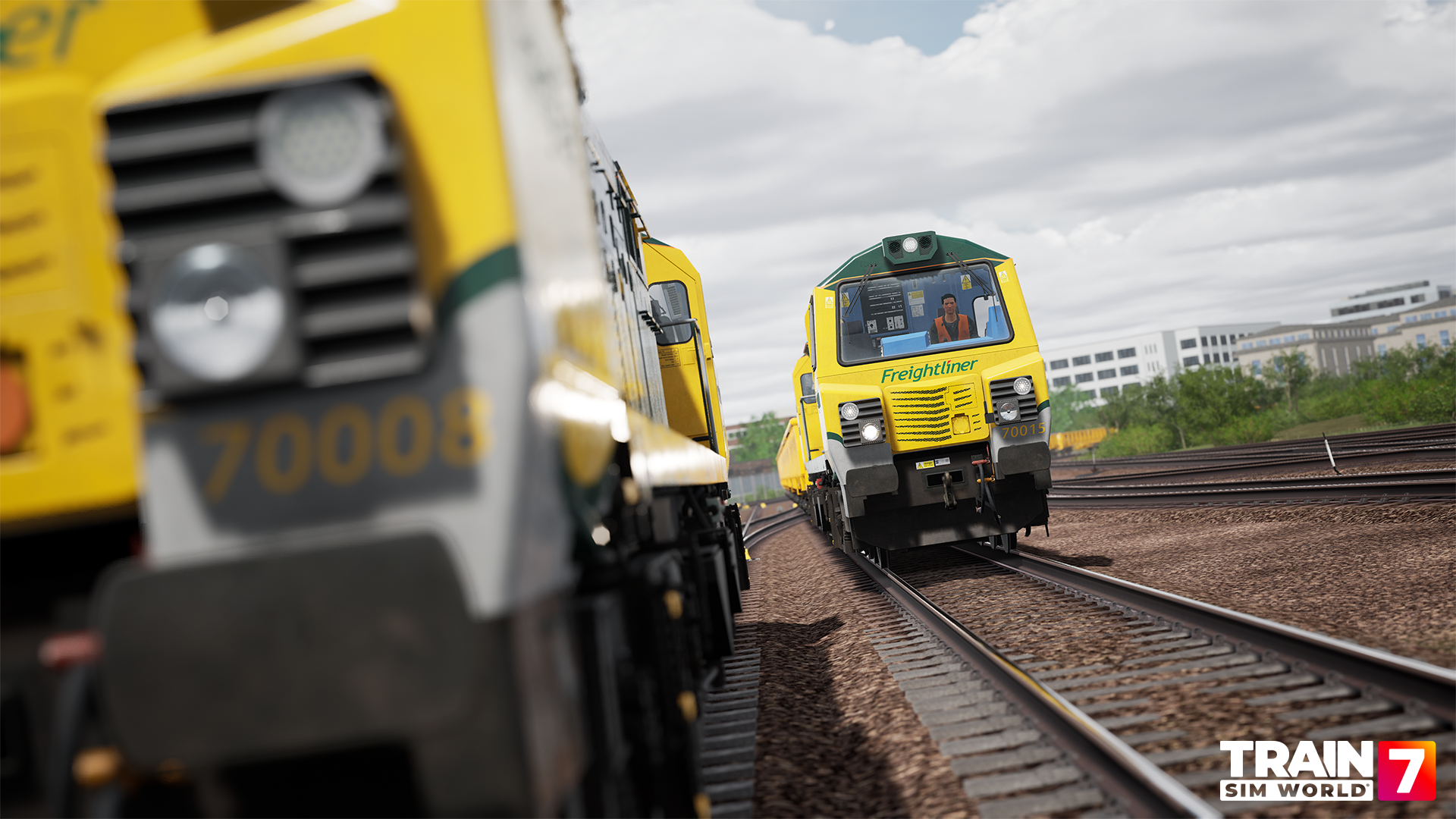
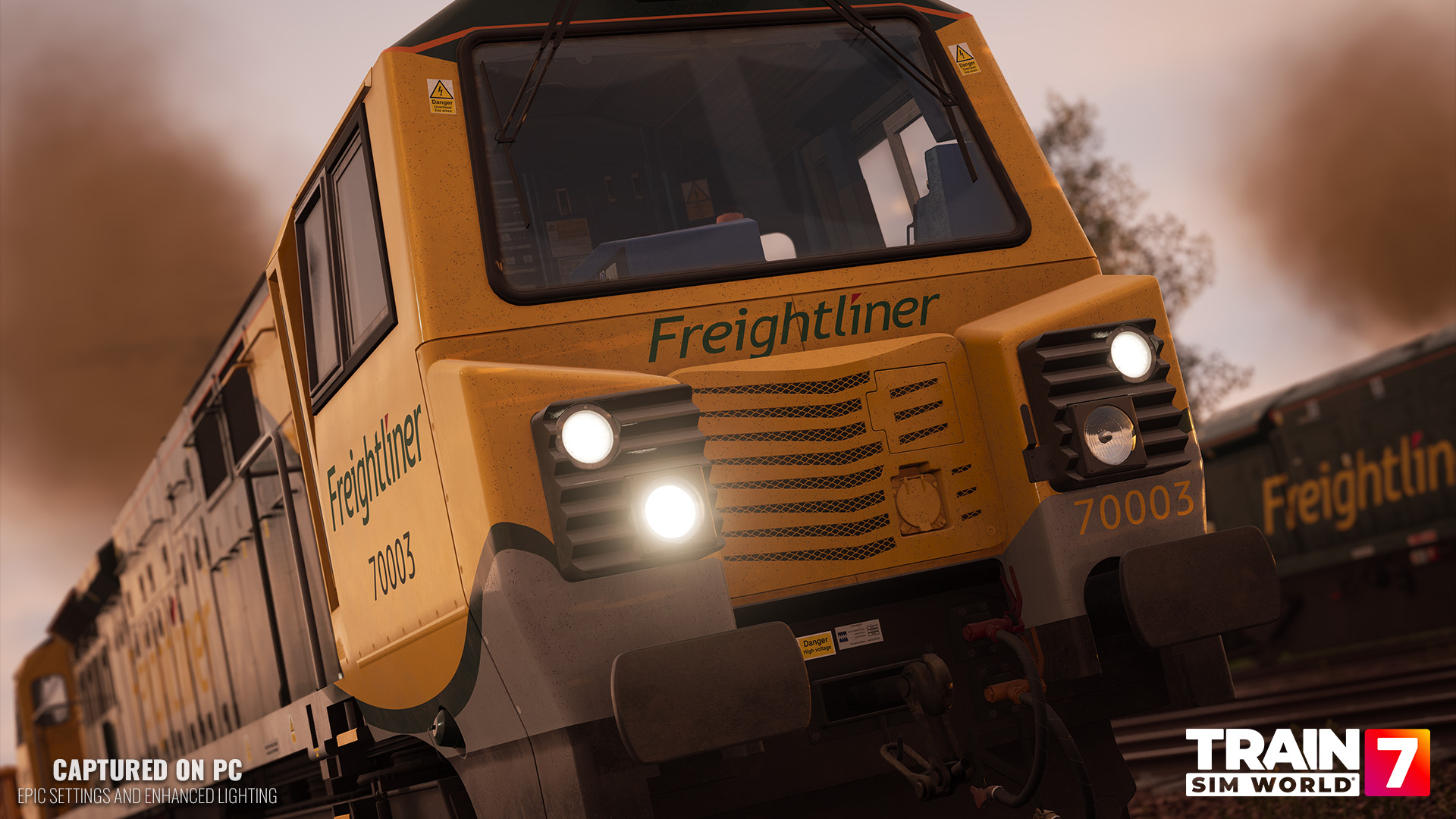
The Train Sim World 7: Freightliner BR Class 70 Add-On, developed by All Aboard Studios, is OUT NOW, bringing one of Britain's most distinctive modern freight locomotives to Train Sim World alongside the brand-new Wascosa MLA engineering wagon.
Producing 3,700 hp, the Class 70 was built for demanding freight work, from heavy aggregate and engineering trains to intermodal and bulk traffic. In Train Sim World, that power is backed up by one of our most detailed freight locomotive simulations, with an interactive cab, operational electrical and auxiliary systems, detailed Train Management System and an authentic cold start procedure.
The Freightliner BR Class 70 Add-On is available now for £14.99 / €17.99 / $17.99.

https://store.steampowered.com/app/4680650/Train_Sim_World_7_Freightliner_BR_Class_70_AddOn/
Introduced in 2009, the Class 70 was designed to deliver increased hauling capability, efficiency and reliability for Britain's freight railway.
At its heart is the 12-cylinder GE PowerHaul P616 diesel engine, producing approximately 3,700 hp and driving an AC traction system particularly well suited to getting heavy trains moving.
The Class 70 has a maximum speed of 75 mph, but outright speed isn't really the point here. With up to 534 kN of starting tractive effort, this is a locomotive built to shift weight.
All Aboard Studios have placed a strong emphasis on recreating the systems behind that performance.
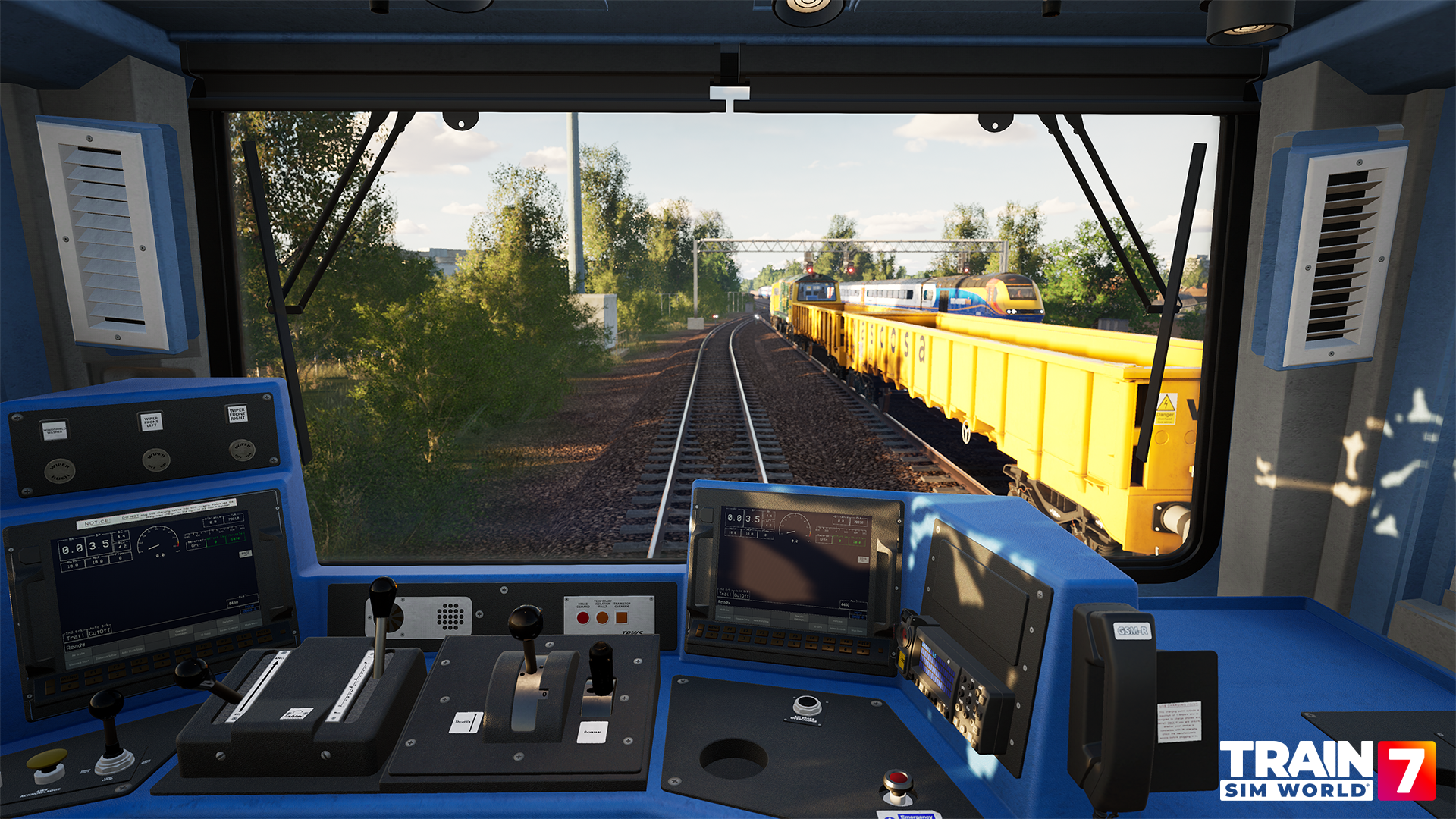
The cab features extensive interactive controls, working electrical and auxiliary systems, detailed lighting, safety equipment and Train Management System displays used to configure and monitor the locomotive.
You'll also need to think about how you handle all that weight. Heavy freight can require plenty of power to get moving, while careful brake applications and progressive throttle use become increasingly important on gradients and in poor adhesion.
Want to go deeper than jumping into the driver's seat and applying power?
The Class 70 features a complete Cold Start procedure, allowing you to bring the locomotive to life from a fully shut-down state.
With the locomotive Cold and Dark, there's no running engine, active electrical system or usable air pressure waiting for you.
You'll need to begin by supplying battery power and bringing the locomotive's systems online before working through the electrical equipment in both cabs.
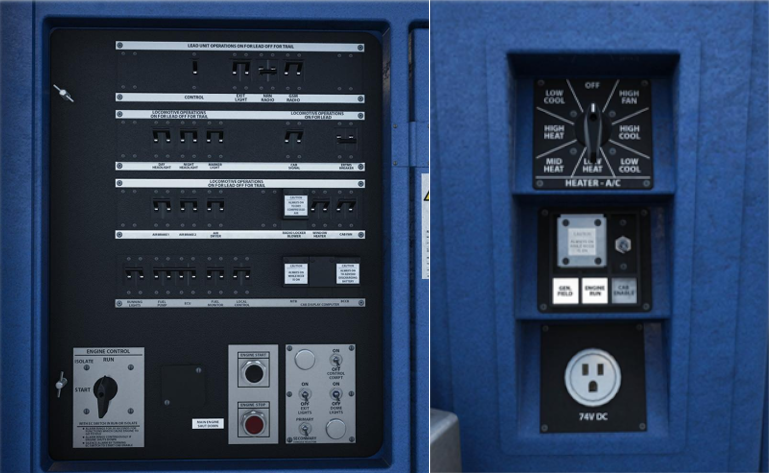
That includes configuring the circuit breakers and auxiliary systems, setting up the air brakes through the Train Management System, enabling Driver Vigilance and preparing the engine controls before you can finally press and hold the Engine Start button.
Even then, you're not quite finished.
While the engine completes its startup sequence, you can carry out an external inspection before returning to the cab, checking the SMART displays for any active warnings and waiting for sufficient air pressure to build before releasing the parking brake.
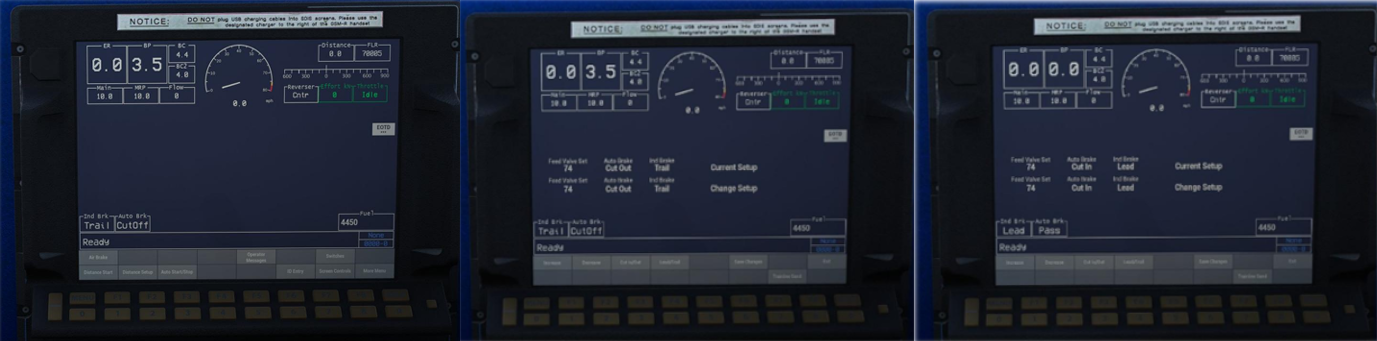
It's a much more involved way to begin your working day and one that rewards learning what is happening behind the controls rather than simply knowing which lever makes the train move.
Four dedicated Tutorials are included to help you get familiar with basic driving, safety systems, the full Cold Start procedure and operation of the MLA engineering wagon.
For those who really want to get to know the locomotive, our full Class 70 Manual goes much deeper into the cab, systems and operating procedures.
The Class 70's depth continues once the engine is running.
Two Train Management System displays allow you to monitor key information and configure the locomotive, including brake setup and operating status.
The Operator Messages screen also becomes particularly useful if something isn't behaving as expected.
Equipment failures, system warnings and tripped circuit breakers can be identified through the TMS, pointing you towards the affected equipment so you can investigate the problem and get the locomotive moving again.
That interaction between the TMS, electrical cabinets and physical controls gives you plenty to explore beyond normal driving and helps make understanding the locomotive an important part of the experience.
The Class 70 isn't arriving alone.
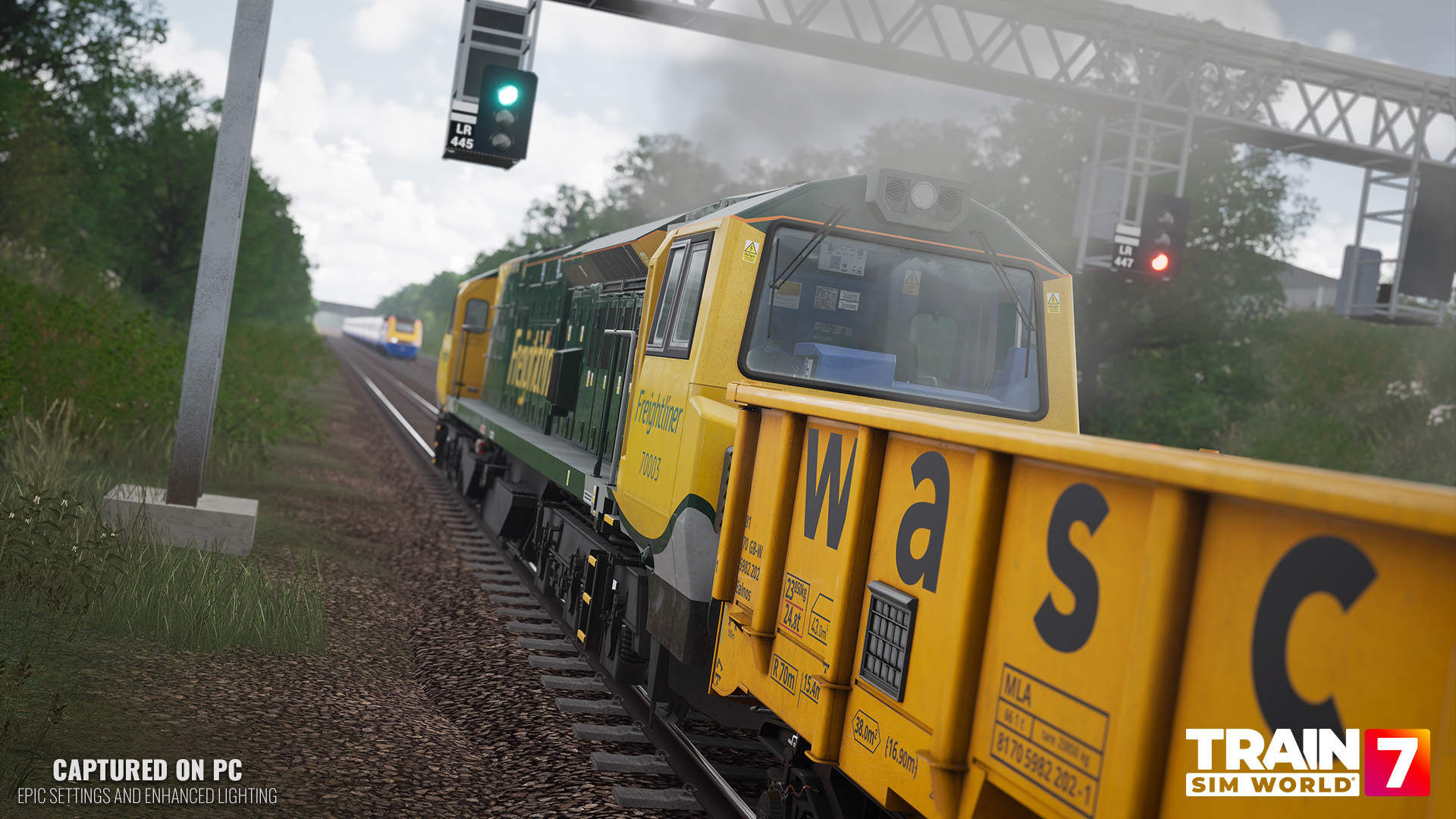
Also included is the brand-new Wascosa MLA engineering wagon, recreating a versatile modern wagon used across Britain's railway for infrastructure and engineering work.
With a payload of approximately 66 tonnes, the low-sided MLA is designed to move materials such as ballast, aggregates, used sleepers and spoil between depots, quarries and railway worksites.
In Train Sim World, the wagon is available in four different configurations:
Empty - ready to collect materials or return from a worksite
Dirty Sleepers - carrying used sleepers removed during track renewals
Stone - fresh material ready for engineering and ballast work
Dirty Stone - used ballast and spoil being removed from the railway
The MLA also features interactive loading gameplay at supported locations, bringing another operational step to engineering duties rather than simply coupling up and setting off.
Loaded formations will naturally weigh considerably more too, giving you another reason to think about acceleration, braking and momentum when you're behind the controls of the Class 70.
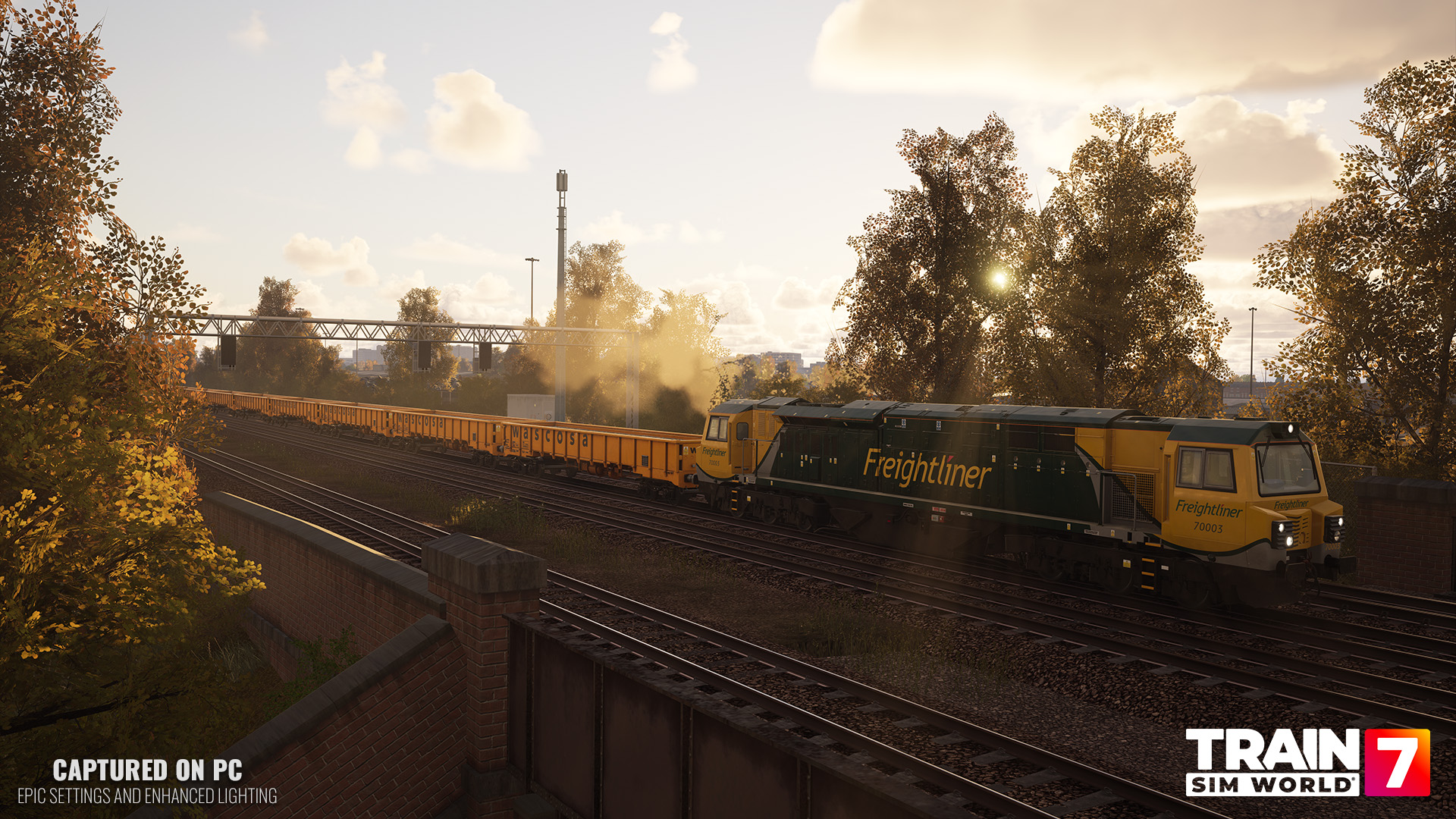
The core Class 70 experience centres around West Coast Main Line: Trent Valley and Midland Main Line: Leicester - Nottingham and Derby, with substantial new timetable gameplay across both.
The Class 70 adds 41 brand-new services to the full Trent Valley core timetable, with a further 16 available in the reduced core timetable.
Expect a mixture of freight operations including intermodal, petroleum and other freight workings, putting the Class 70 to use across the busy West Coast Main Line.
Additional Add-ons can expand the available formations further, including WCML: Milton Keynes - Euston for intermodal wagons and Cargo Line: Petroleum for petroleum traffic.
Midland Main Line receives something even bigger: an entirely new 2018 timetable.
This includes 28 unique Class 70 services, alongside an expanded selection of passenger, freight and AI traffic.
Players with compatible content can further populate the railway with CrossCountry Class 170 operations at Derby, Nottingham and Leicester, as well as Voyager traffic through Derby and playable Voyager services to Nottingham.
Additional wagon packs can also expand the variety of freight formations available.
Combined with East Midlands Trains services and the new Class 70 workings, it's a substantially busier way to experience Midland Main Line.
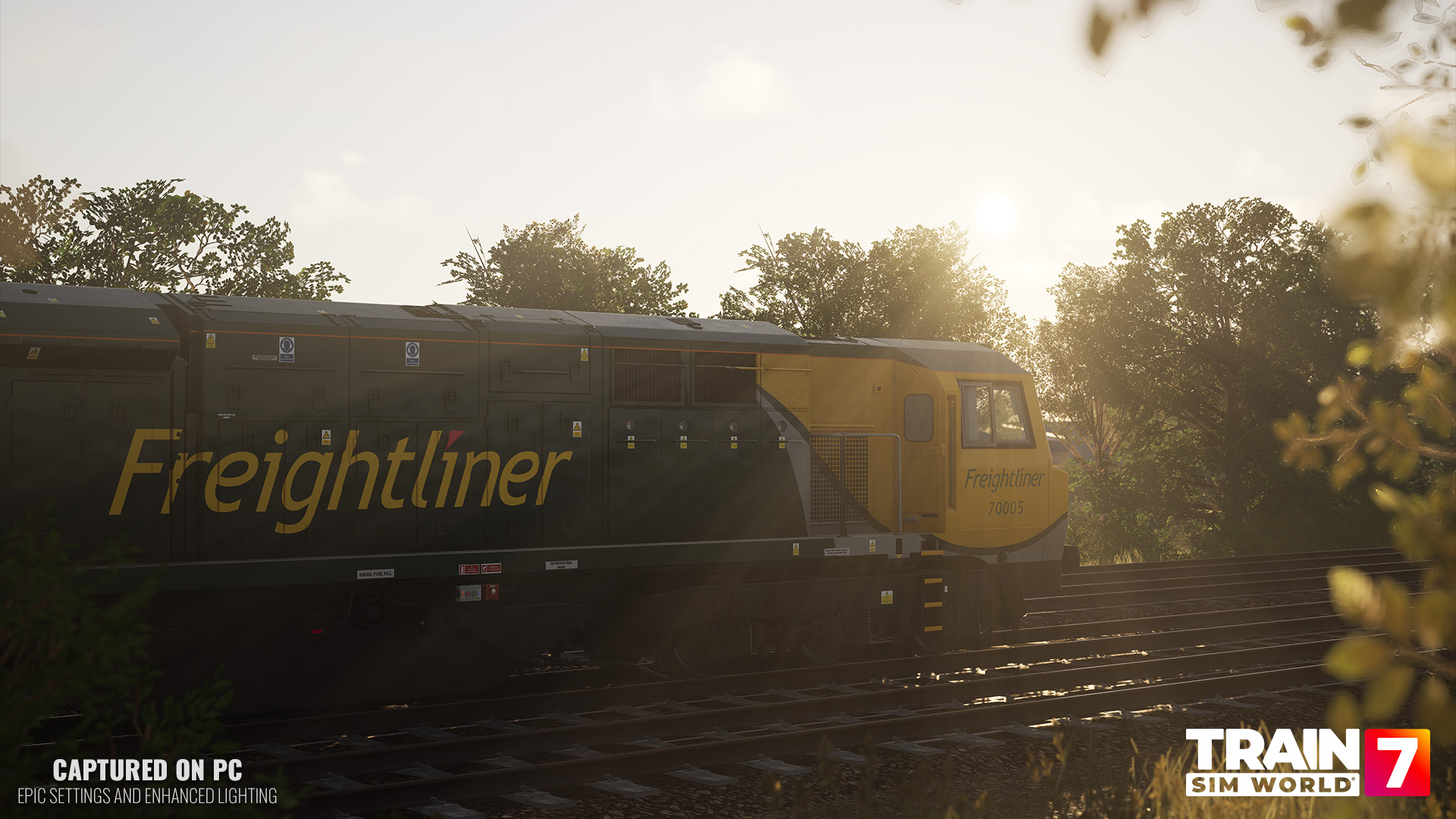
Alongside the timetable gameplay are 8 new Scenarios, split evenly between Midland Main Line and West Coast Main Line: Trent Valley.
The four Midland Main Line Scenarios take inspiration from the major Derby Station remodelling works, putting the Class 70 and MLA wagons at the heart of an active engineering operation.
Support the Derby Station remodelling project by moving engineering wagons and delivering them to the quarry ready for their next job.
A major possession is approaching. Carefully prepare and load the MLA wagons with the materials required for the upcoming engineering work.
It's all change at Derby. Deliver fresh materials into the works before taking away old sleepers removed as part of the railway renewal.
Another locomotive needs a hand. Take over the working, perform a Cold Start on your Class 70 and get the train moving again.
These scenarios go further than conventional freight runs, with engineering possessions featuring PICOP and Engineering Supervisor interactions, possession marker boards, designated work areas and animated construction equipment helping bring the worksites to life.
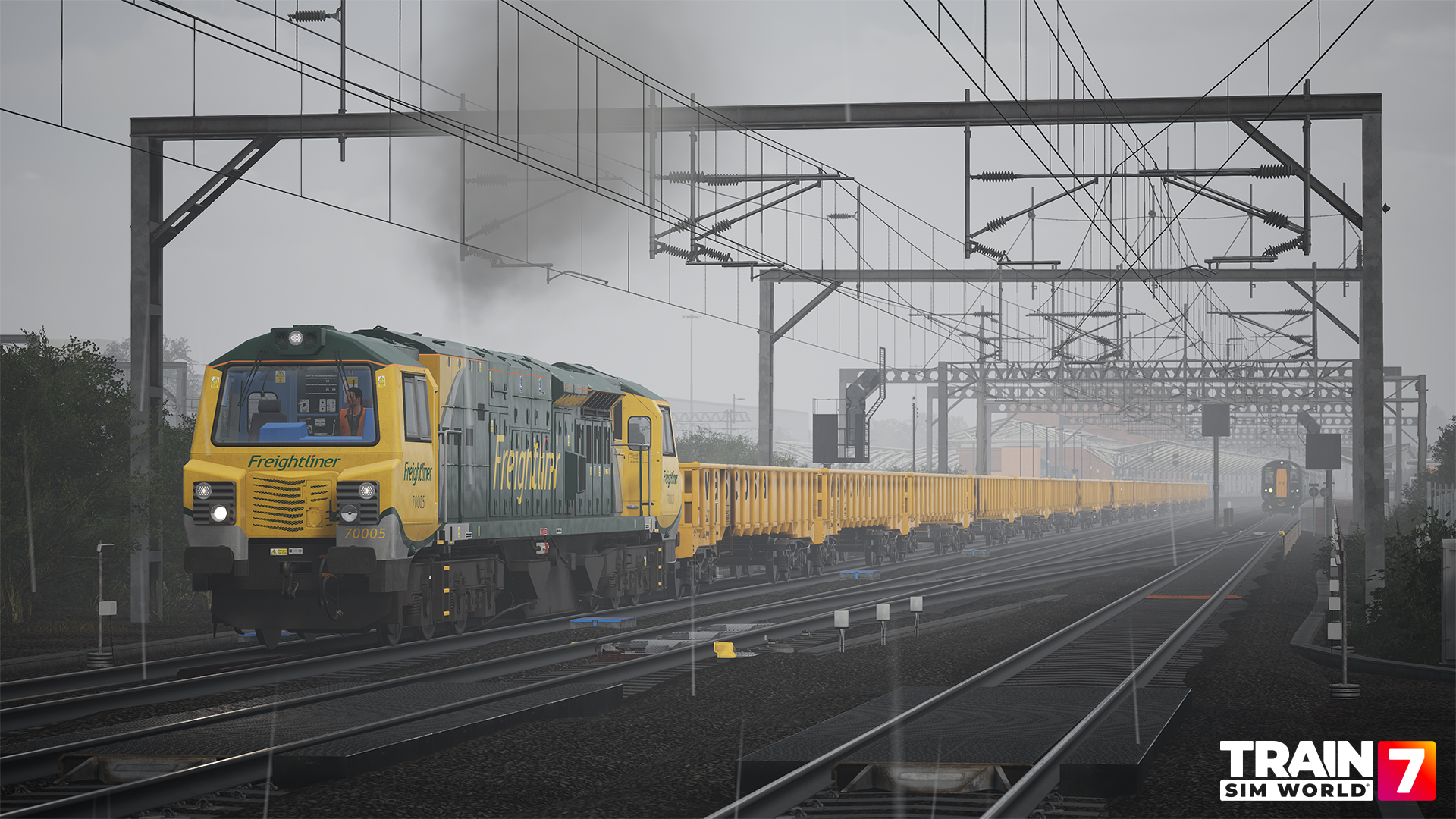
West Coast Main Line: Trent Valley adds a further 4 Scenarios, mixing engineering logistics with more conventional freight operations.
Expect everything from moving engineering wagons north from Crewe towards the Derby works to a night-time intermodal service from Daventry and even moving a formation of three Class 70 locomotives to Wolverton.
Build an engineering consist at Basford Hall, collecting wagons ready for the upcoming Derby blockade.
Return a rake of MLA wagons to Basford Hall for unloading, while stormy weather causes disruption across the timetable.
Move a group of stored Class 70s to Wolverton so they can undergo refurbishment and return to service.
Take charge of a late-night engineering working back to Crewe Basford Hall, with lighter traffic giving you a clearer run.
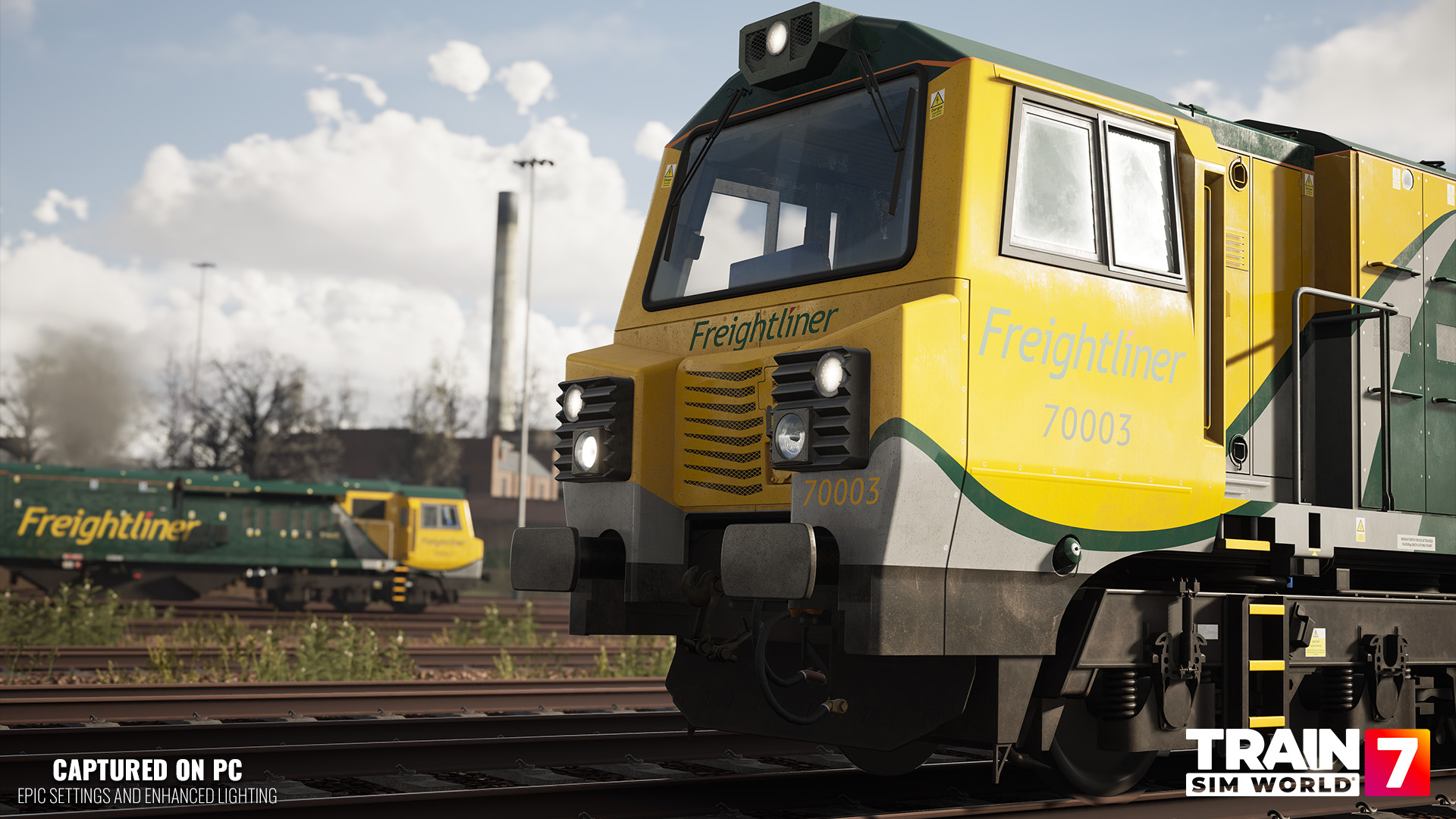
Don't own Midland Main Line or WCML: Trent Valley? There's still plenty of opportunity to get behind the controls.
The Class 70 can substitute for the Class 66 on selected freight services across a range of existing British routes, including:
Great Western Express Remastered
Airedale & Wharfedale Network
Brighton Main Line
East Coast Main Line: Peterborough - Doncaster
East Coastway
Glossop Line
London Overground: Gospel Oak - Barking Riverside
Southeastern Highspeed
West Coast Main Line: London Euston - Milton Keynes
These substitutions don't add entirely new services. Instead, they allow you to choose the Class 70 in place of the Class 66 on selected compatible workings.
Class 70 substitutions are intentionally uncommon on most routes, so the locomotive won't frequently appear as AI traffic. However, players will have additional opportunities to select and drive it on compatible timetable services.
There are additional timetable integrations on the way too.
Further updates are planned to introduce brand-new Class 70 services into both Class 805 timetables on Birmingham - Crewe and West Coast Main Line South, with further integration also prepared for routes including the Mildmay Line Richmond Extension, Thames Valley Branches and Birmingham - Shrewsbury.
And, of course, Free Roam gives you the freedom to take the Class 70 beyond its timetable appearances and create your own freight workings across compatible routes from your collection.
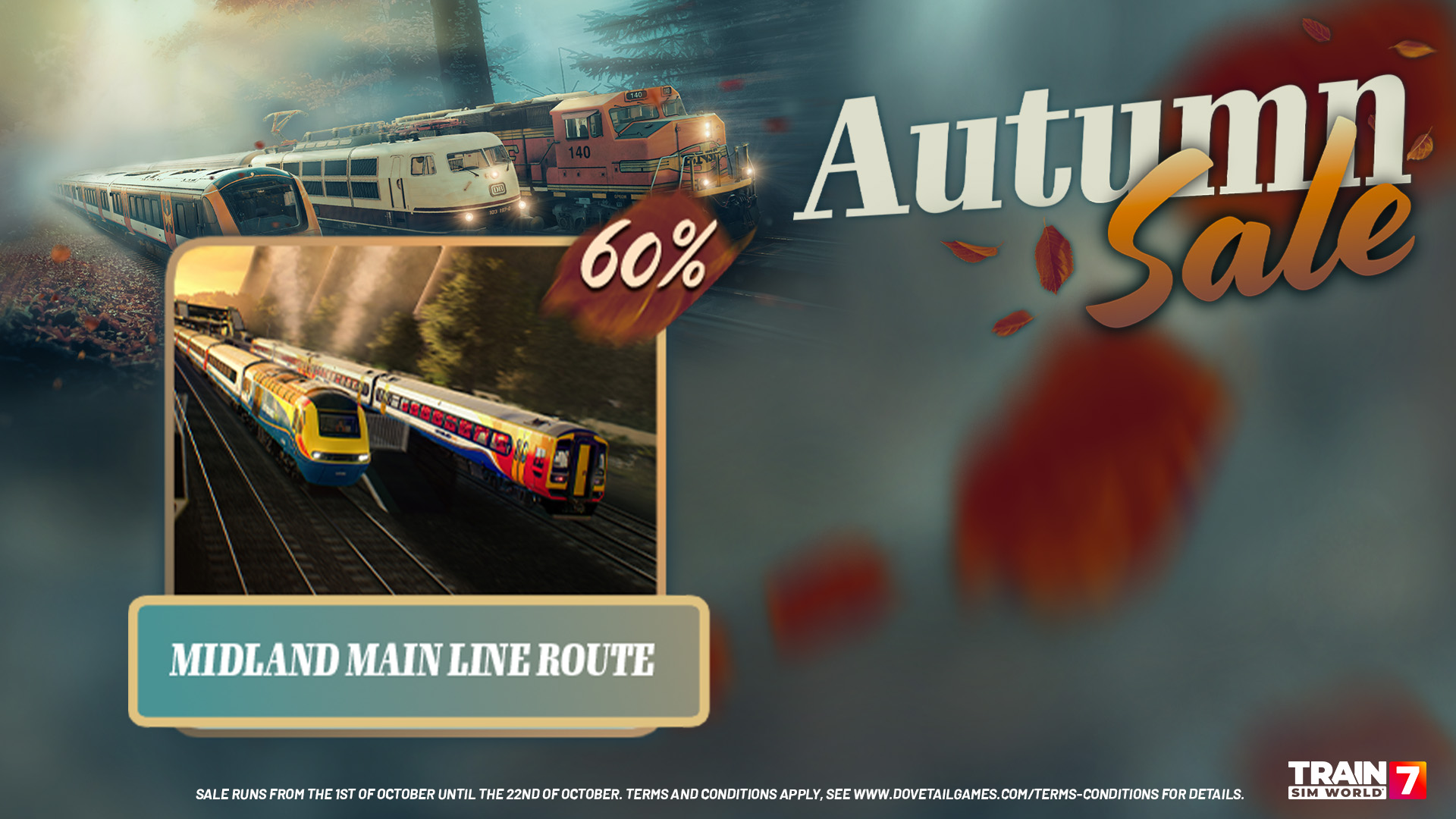
If you're looking to get even more from the Class 70, the ongoing Train Sim World 7 Autumn Sale on Steam includes significant discounts on several compatible routes and Add-ons.
Most importantly, Midland Main Line: Leicester - Nottingham and Derby is currently 60% off, giving you access to the brand-new 2018 timetable and one of the Class 70's two primary routes.
The CrossCountry BR Class 170 Add-On is also 60% off, expanding that new timetable with additional passenger operations around Derby, Nottingham and Leicester.
A number of routes supporting Class 70 substitution are discounted too:
Train Sim World 7: Great Western Express Remastered - 70% off
Train Sim World 7: Brighton Main Line - 60% off
Train Sim World 7: East Coast Main Line: Peterborough - Doncaster - 75% off
Train Sim World 7: East Coastway - 60% off
Train Sim World 7: Glossop Line - 60% off
Train Sim World 7: London Overground Suffragette line: Gospel Oak - Barking Riverside - 80% off
Train Sim World 7: Southeastern Highspeed - 60% off
Train Sim World 7: West Coast Main Line: London Euston - Milton Keynes - 70% off
The Train Sim World 7 Autumn Sale runs exclusively on Steam until October 22nd.
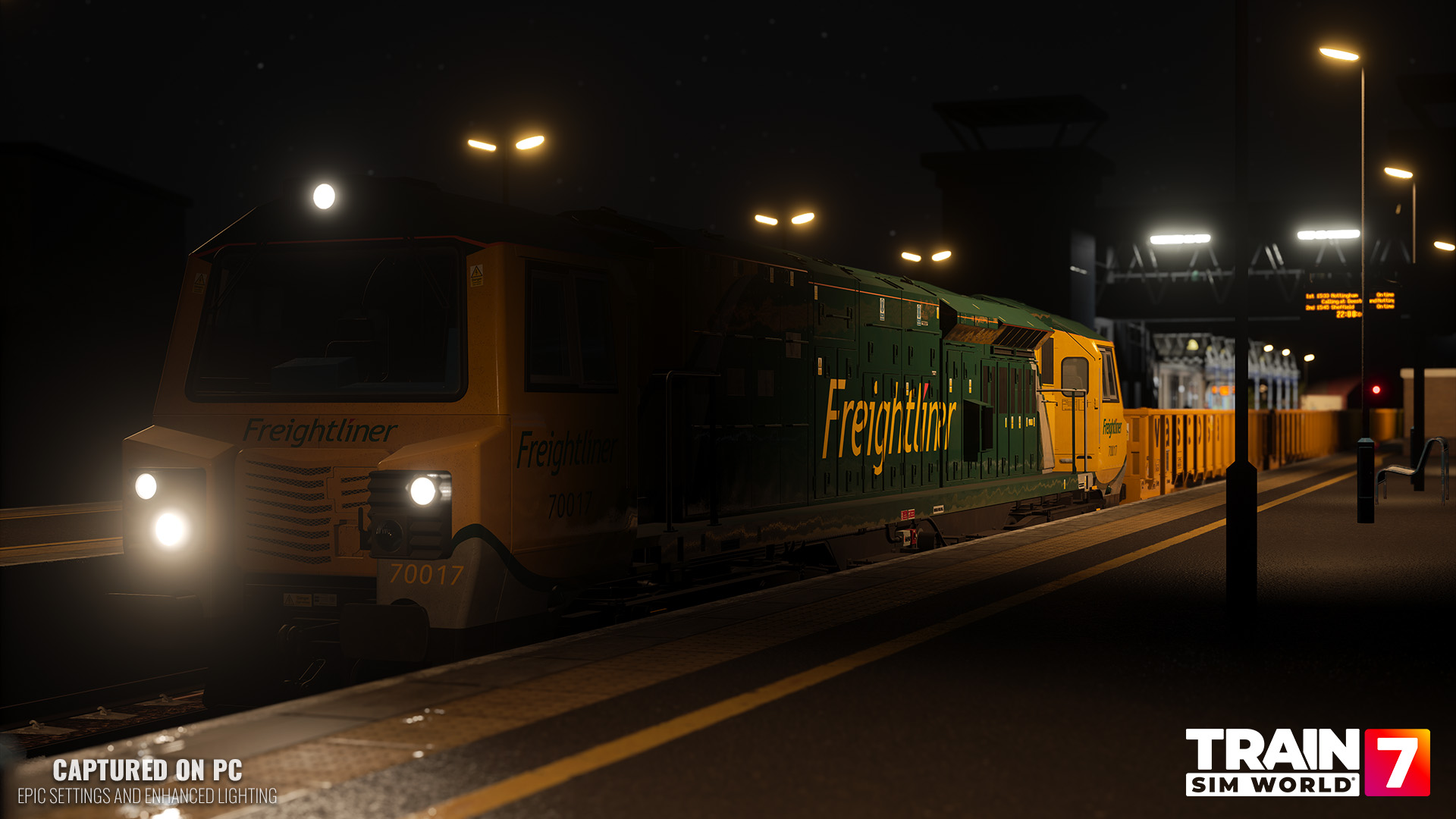
Want to see the locomotive's systems and gameplay in action?
Catch up on our Freightliner Class 70 Preview Livestream, where we take a closer look at the locomotive, explore its detailed cab and get to grips with freight and engineering operations across its supported routes.
Train Sim World 7: Freightliner BR Class 70 Add-On is available now for £14.99 / €17.99 / $17.99.
With 3,700 hp of PowerHaul performance, a deeply interactive locomotive simulation, the new Wascosa MLA engineering wagon, 8 Scenarios, substantial new timetable gameplay and opportunities to drive the Class 70 across a growing selection of British routes, there's plenty for modern freight fans to get stuck into.
Fire it up and put the Class 70 to work.