


















Village in the Shade Is Now Playable in English, French, and Spanish!
With Halloween just around the corner, now is the perfect time to jump into Village in the Shade. Farm, fish, and face frightful yokai in this spooky farming sim.That's right, you can now play this critically-acclaimed title in English, French, and Spanish!Welcome to Kagatsu!Note: If you purchased the game ahead of time, then your language settings may need to be adjusted.When you first launch the game, you’ll be faced with a settings screen. Select from the following languages.EnglishFrenchSpanishOnce you’ve selected your language, press Escape, Circle, or B.If you’ve already gotten as far as the title screen, then select the option highlighted in red below to access settings. Then, see above!If you’re still set to Japanese on the save data screen, then make sure to select the first option for the following question.For the second question, select the second option! This will bring you to the settings screen. Then, see above to select the correct language!Note that you will be unable to change the language after starting a save file. That should do it. Please reach out if you have any questions!

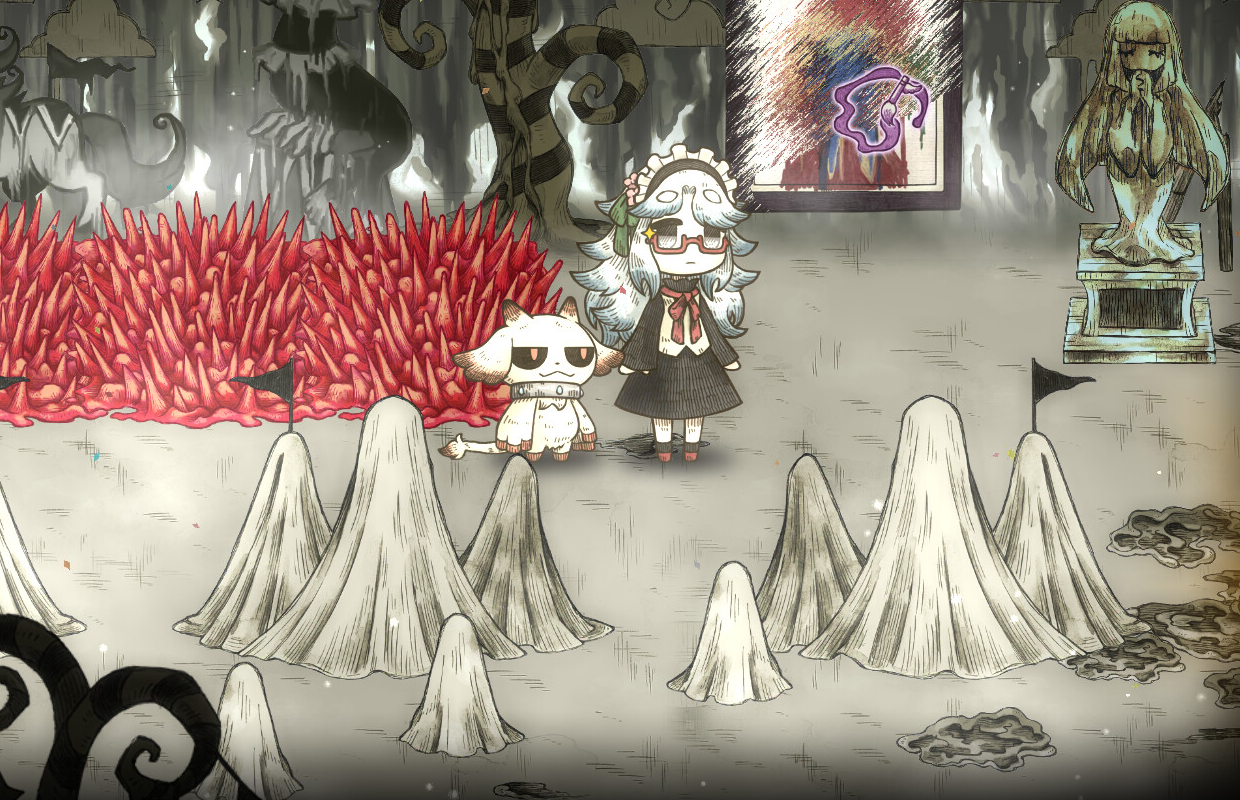
With Halloween just around the corner, now is the perfect time to jump into Village in the Shade. Farm, fish, and face frightful yokai in this spooky farming sim.
That's right, you can now play this critically-acclaimed title in English, French, and Spanish!
Welcome to Kagatsu!

Note: If you purchased the game ahead of time, then your language settings may need to be adjusted.
When you first launch the game, you’ll be faced with a settings screen. Select from the following languages.
English

French

Spanish

Once you’ve selected your language, press Escape, Circle, or B.
If you’ve already gotten as far as the title screen, then select the option highlighted in red below to access settings. Then, see above!

If you’re still set to Japanese on the save data screen, then make sure to select the first option for the following question.

For the second question, select the second option! This will bring you to the settings screen. Then, see above to select the correct language!

Note that you will be unable to change the language after starting a save file.
That should do it. Please reach out if you have any questions!