

















How to download shipping manifest and hack second-floor terminal in Marathon – Protect/Destroy 4 contract guide
The Protect/Destroy 4 contract switches the action to the Outpost map in Marathon, and you'll need to complete three different tasks in a single run. The three tasks are based around three separate locations on the new map. Let's look at how to complete the contract so that you can work your way up towards improving your standing with the MIDA faction.Table of contentsMarathon Protect/Destroy 4 contract walkthroughHow to download shipping manifest from terminal in northwest ProcessingHow to scan tagged containers in AirfieldHow to hack second-floor terminal in Flight ControlMarathon Protect/Destroy 4 contract walkthrough The Protect/Destroy 4 contract can be broken down into the following three tasks.Download shipping manifest from terminal in northwest ProcessingScan tagged containers in AirfieldHack second-floor terminal in Flight Control, then exfilHow to download shipping manifest from terminal in northwest Processing Screenshot and remix by Destructoid For our first task, we have to head to the south of the map, where you'll find the Processing POI. Here, you'll need to download a manifest from a terminal in the northwest area of this location. I have marked the spot where you'll find the terminal. Enter the building, and find the stairs that take you to the second floor. Once you're on the second floor, you'll have the quest marker pop up, highlighting the location of the terminal. Interact with it to download the shipping manifest. Image via Bungie How to scan tagged containers in Airfield From Processing, head to the extreme north of the map, where we will have to scan the tagged containers. Enter the building on the right through the main entrance, and you'll find two containers on your right. Screenshot and remix by Destructoid The first two containers are inside the building (one right in front of you when you enter through the entrance, and the other by the stairs near the main entrance). The remaining two are outside. Exit through the door near the second container, head straight, and you'll find the two remaining containers. Image via Bungie I have added images of what the containers look like. If you can't find them, roam around the location, and quest markers will pop up.How to hack second-floor terminal in Flight Control This was the hardest one to find. You have to head to the Flight Control POI and enter the main building at the marked location. What confused me was the exact floor since the marker doesn't pop up until you're on the correct one. Screenshot and remix by Destructoid Head to the second floor (take the stairs irrespective of which entrance you've taken). The terminal is located in one of the rooms with a glass window display. If you're on the second floor, roam around a little if the marker doesn't pop up. Image via Bungie Once the marker pops up, interact with the terminal to complete the hack. This will complete the Protect/Destroy 4 contract and bring you to the final one in this series. The post How to download shipping manifest and hack second-floor terminal in Marathon – Protect/Destroy 4 contract guide appeared first on Destructoid.
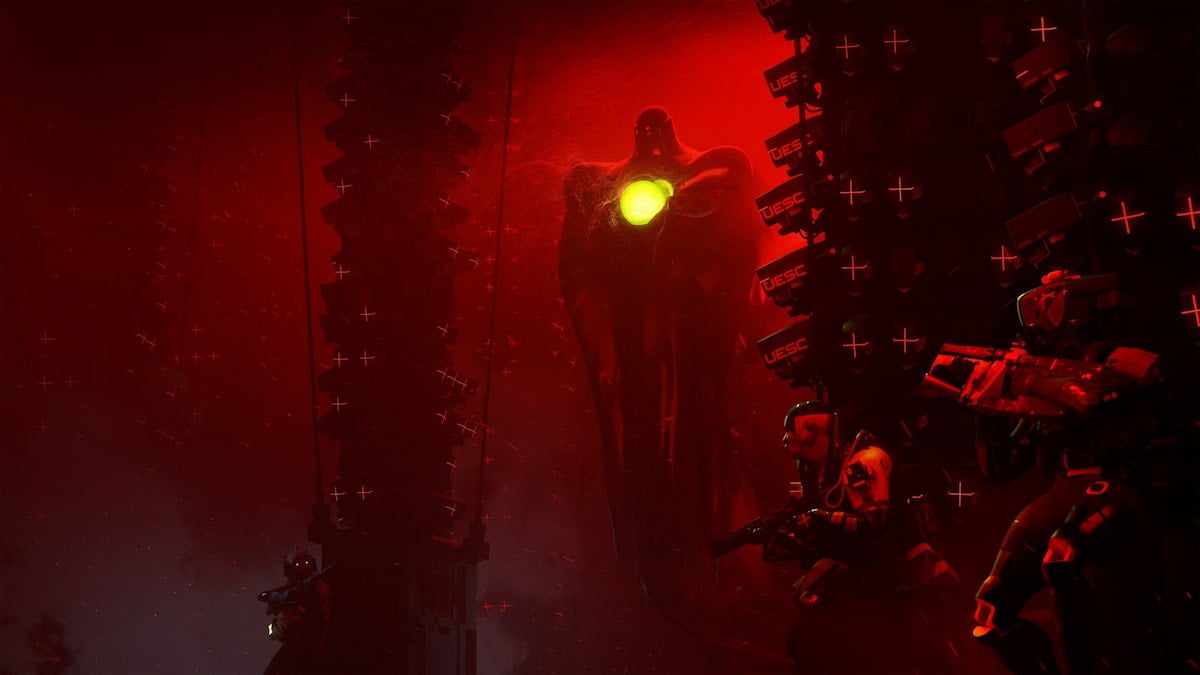
The Protect/Destroy 4 contract switches the action to the Outpost map in Marathon, and you'll need to complete three different tasks in a single run.
The three tasks are based around three separate locations on the new map. Let's look at how to complete the contract so that you can work your way up towards improving your standing with the MIDA faction.
Table of contents
Marathon Protect/Destroy 4 contract walkthrough
The Protect/Destroy 4 contract can be broken down into the following three tasks.- Download shipping manifest from terminal in northwest Processing
- Scan tagged containers in Airfield
- Hack second-floor terminal in Flight Control, then exfil
How to download shipping manifest from terminal in northwest Processing
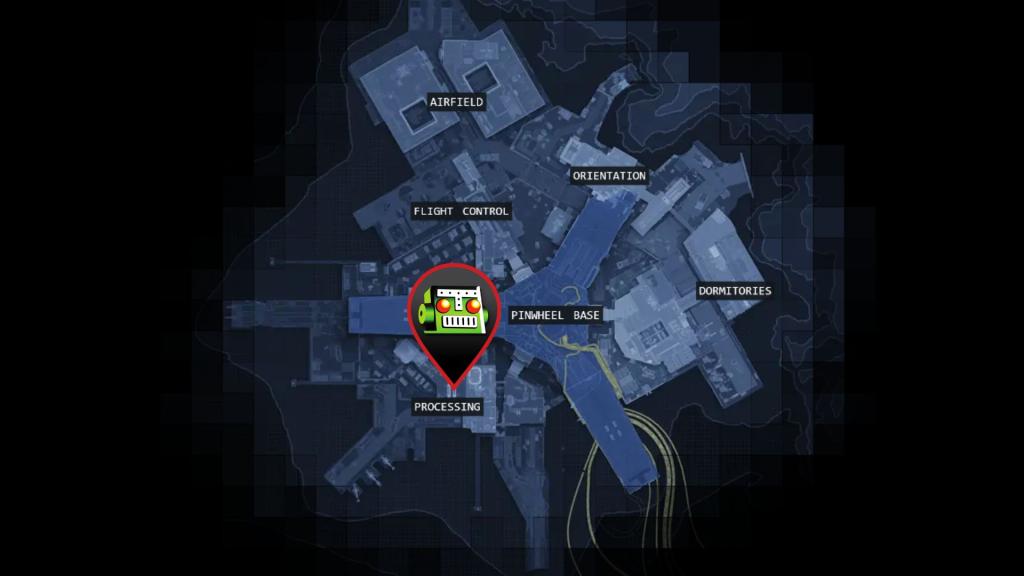 Screenshot and remix by Destructoid For our first task, we have to head to the south of the map, where you'll find the Processing POI. Here, you'll need to download a manifest from a terminal in the northwest area of this location. I have marked the spot where you'll find the terminal.
Enter the building, and find the stairs that take you to the second floor. Once you're on the second floor, you'll have the quest marker pop up, highlighting the location of the terminal. Interact with it to download the shipping manifest.
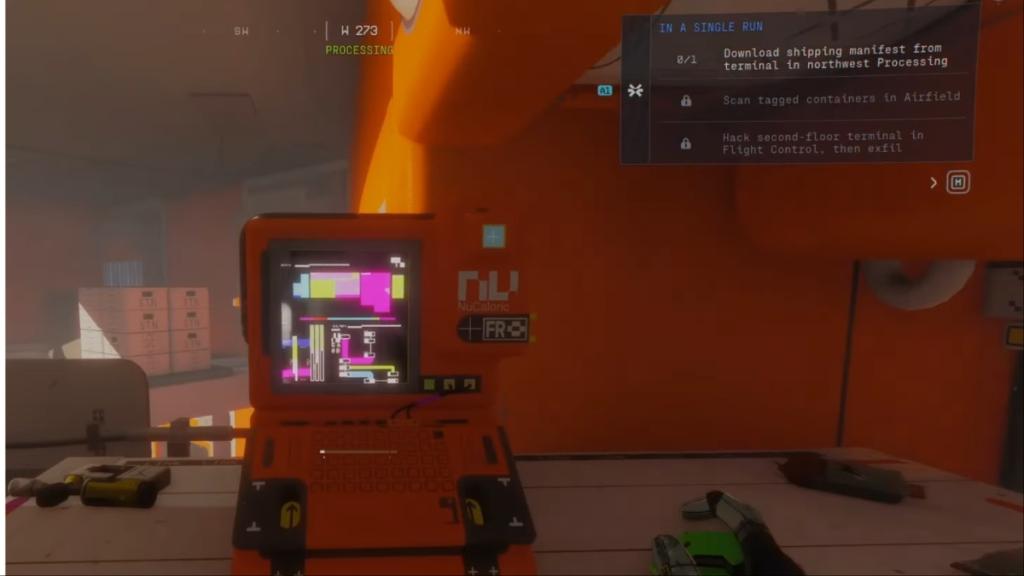 Image via Bungie
 How to scan tagged containers in Airfield
From Processing, head to the extreme north of the map, where we will have to scan the tagged containers. Enter the building on the right through the main entrance, and you'll find two containers on your right.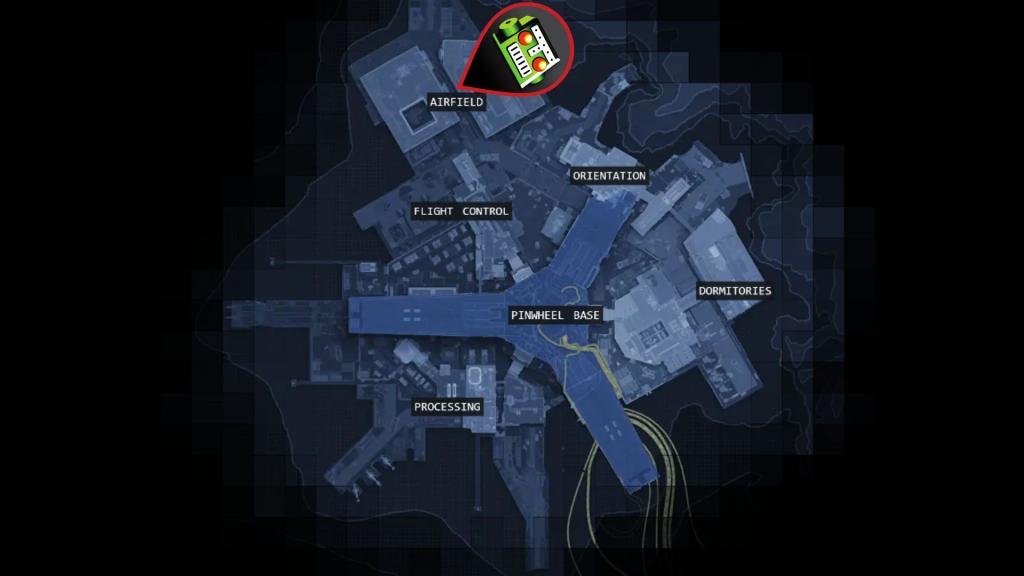 Screenshot and remix by Destructoid The first two containers are inside the building (one right in front of you when you enter through the entrance, and the other by the stairs near the main entrance). The remaining two are outside. Exit through the door near the second container, head straight, and you'll find the two remaining containers.
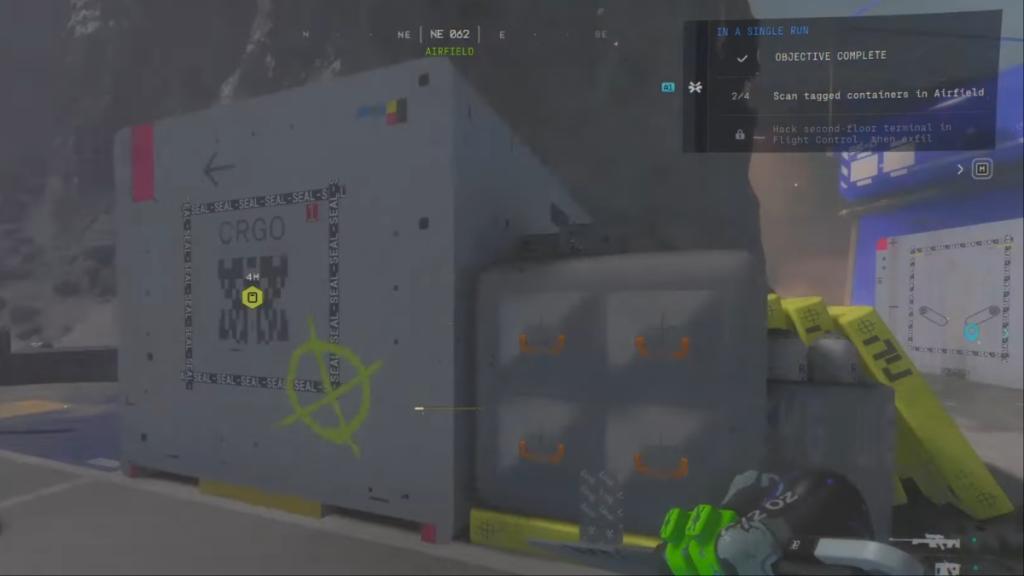 Image via Bungie I have added images of what the containers look like. If you can't find them, roam around the location, and quest markers will pop up.
How to hack second-floor terminal in Flight Control
This was the hardest one to find. You have to head to the Flight Control POI and enter the main building at the marked location. What confused me was the exact floor since the marker doesn't pop up until you're on the correct one.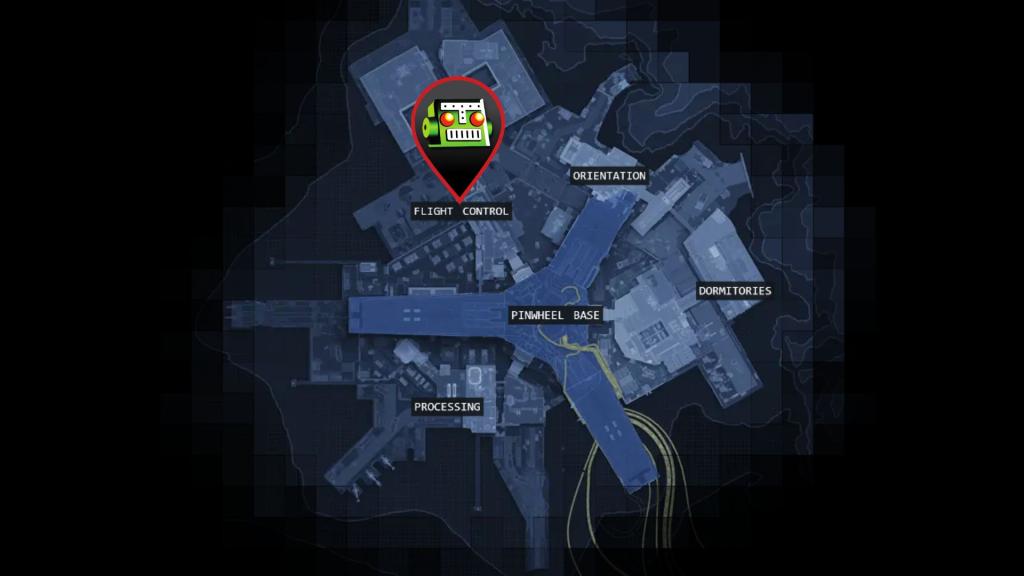 Screenshot and remix by Destructoid Head to the second floor (take the stairs irrespective of which entrance you've taken). The terminal is located in one of the rooms with a glass window display. If you're on the second floor, roam around a little if the marker doesn't pop up.
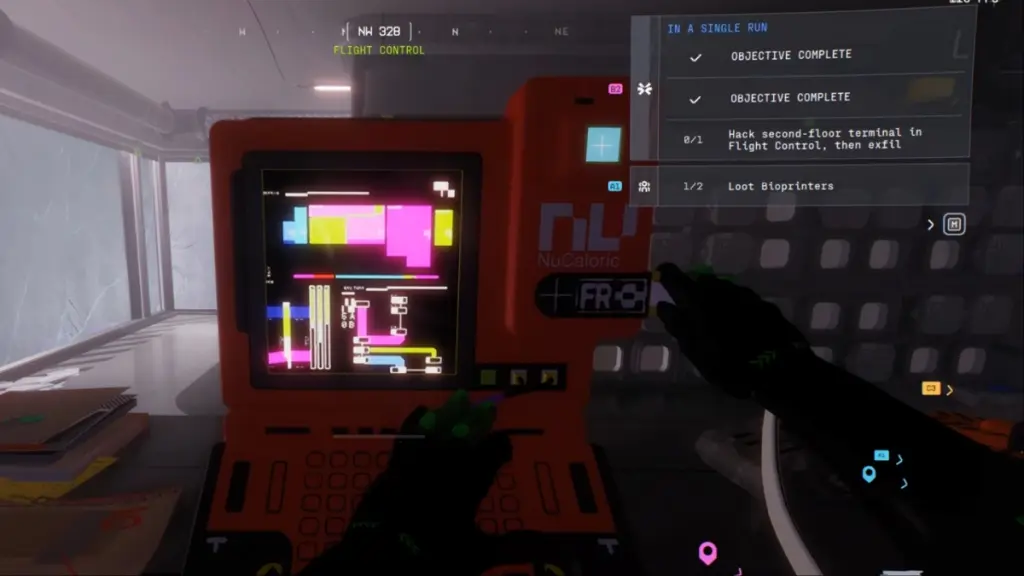 Image via Bungie Once the marker pops up, interact with the terminal to complete the hack.
This will complete the Protect/Destroy 4 contract and bring you to the final one in this series.
The post How to download shipping manifest and hack second-floor terminal in Marathon – Protect/Destroy 4 contract guide appeared first on Destructoid.

Jat AI
Stay informed with the latest in artificial intelligence. Jat AI News Portal is your go-to source for AI trends, breakthroughs, and industry analysis. Connect with the community of technologists and business professionals shaping the future.


![S10 New Characters' Adventures: [Chapter 2]](https://clan.fastly.steamstatic.com/images/34875433/0475dd081c16edad9c1c8afd51da617cf24ea619.png?#)


![KAIZEN Locations & Map Guide – Boss, Chest, Weapon, Style [KASHIMO]](https://www.destructoid.com/wp-content/uploads/2026/02/kaizen-locations-and-map-guide.jpg)




